
The End of Buttons
Read More

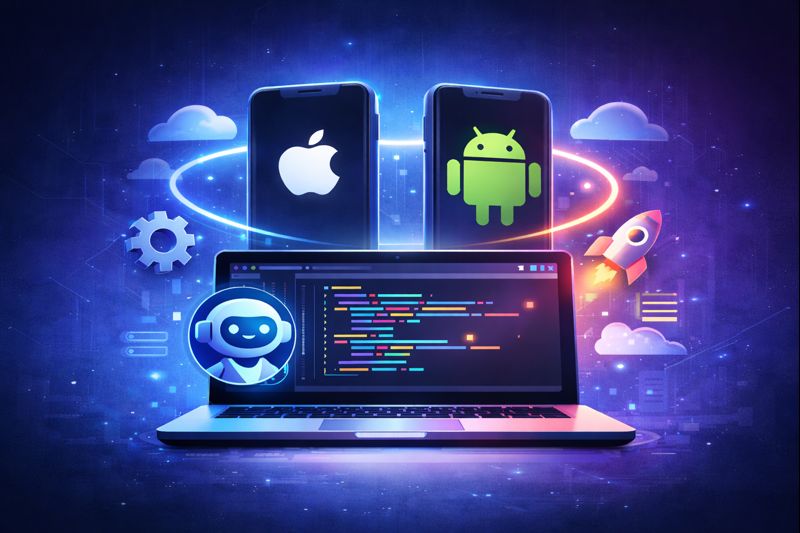
Imagine building an app that runs on web browsers, iOS, and Android simultaneously, all from your browser with an AI coding assistant by your side. No Mac required. No Android Studio. Just you, your browser, and AI. One codebase, everywhere at once.
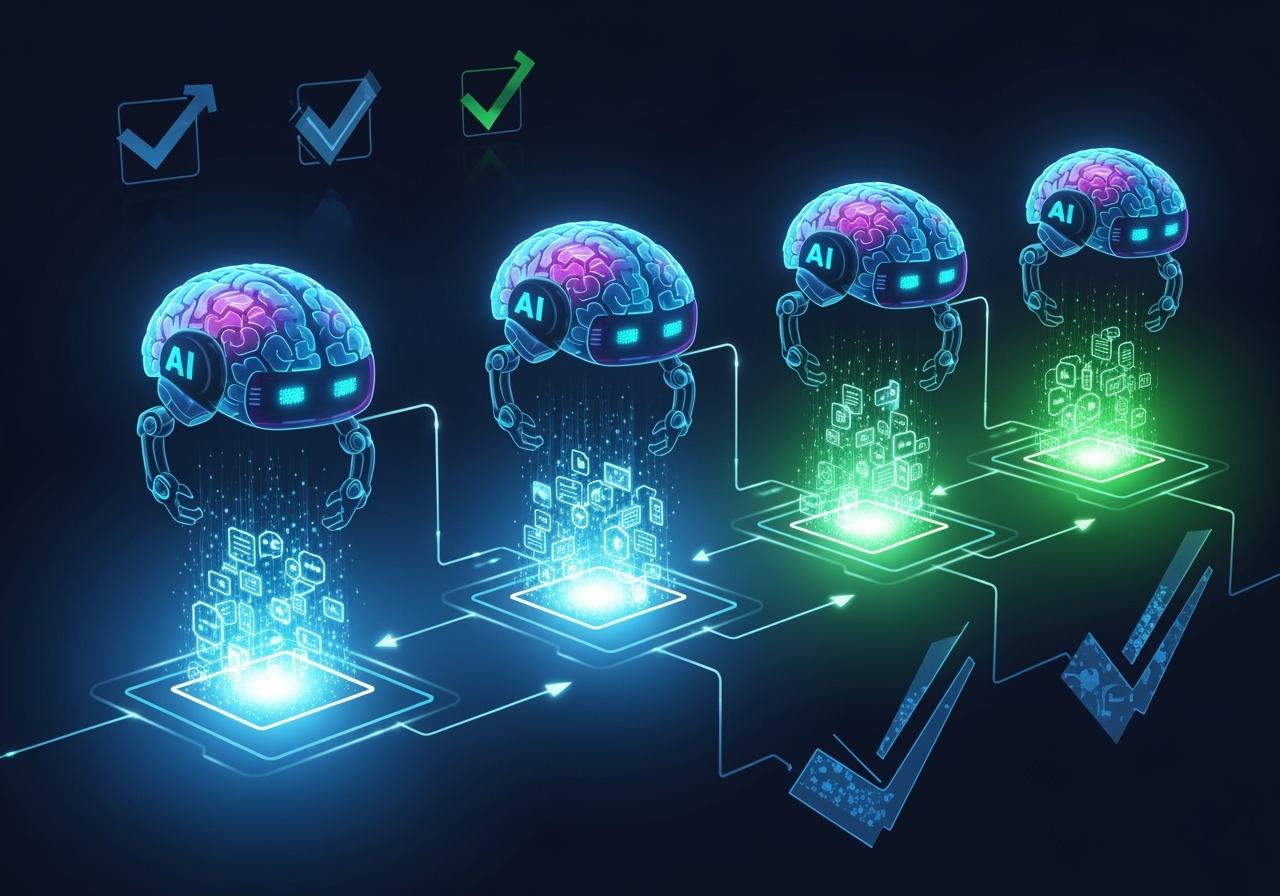
Short answer: An AI app factory is a repeatable pipeline that turns plain-language requirements into a deployed app. With DevOpser, Claude skills set up and customize an open-source app template. On DevOpser hosting, each change is previewed on a branch, tested in staging and shipped by merging to main, where GitHub Actions also builds signed iOS and Android apps from the same codebase. See the four stages below.
Today, we're thrilled to announce that DevOpser's Bedrock Express template now includes full mobile app development capabilities. This isn't just another React Native setup-it's a complete paradigm shift in how mobile apps are built.
The Bedrock Express template is an Express.js web application integrated with AWS Bedrock API, perfect for building AI-powered chatbots, agentic workflows, content generation tools, and more. Check out our template here. The template is also available as an open-source project on GitHub.
With our latest update, you can now:
<your-dev-url>/mobile-app.htmlEvery app goes through the same four stages. You can run them with the open-source template on your own infrastructure, or on DevOpser hosting, which adds the GitOps pipeline and mobile CI/CD described below.
| Stage | What happens | DevOpser tooling |
|---|---|---|
| 1. Requirements | You describe the product, its users and its screens in plain language. | An AI coding assistant such as Claude Code, guided by the devopser-customize skill |
| 2. Architecture | The AI adapts a template that already has authentication, AI chat, a database and mobile apps, instead of designing a stack from scratch. | Open-source DevOpser template, devopser-setup skill, Capacitor |
| 3. Tests | Each change is previewed on a branch, reviewed in a pull request and tested in staging before production. | Development environment, branch protection, security scanning, debug mobile builds, staging, TestFlight |
| 4. Deployment | Merging promotes the build to staging, then production, and produces signed Android and iOS apps. | GitOps branches and GitHub Actions on DevOpser hosting; devopser-deploy skill when self-hosting |
Start with what the app does, who uses it and which screens it needs. You write this as a conversation with an AI coding assistant, not as a specification for a development team. The devopser-customize skill teaches the assistant how to reshape the template into your product and extend it with new features, so your requirements become concrete changes to routes, pages and prompts.
The AI does not invent a new stack for each app. It starts from the open-source DevOpser template (Apache-2.0), which includes:
Capacitor packages the web frontend as native iOS and Android apps, so one codebase serves all three platforms. The devopser-setup skill gets this stack running on localhost before customization starts.
AI-written code goes through the same gates as any other change:
/mobile-app.html.staging and main produce debug Android and iOS builds for testing only.staging redeploys the staging environment, so you test the real build before production. With App Store Connect API secrets set, iOS builds also upload to TestFlight for beta testers.On DevOpser hosting, a deployment is a pull request (Promoting Changes):
staging as the base branch and merge it.main as the base branch to promote the change to production.staging and main, the mobile pipeline builds signed Android and iOS apps and, if configured, uploads them to Google Play and TestFlight. Signing keys are stored as GitHub Actions secrets; the mobile CI/CD secrets guide lists every one.Mobile CI/CD on DevOpser hosting is available for the Express.js (Bedrock Express) template. If you self-host the open-source template instead, the devopser-deploy skill guides deployment to targets such as AWS Lightsail, Google Cloud Run, Fly.io, Amazon ECS, Kubernetes or a VPS, and the template's README covers building and signing the Android and iOS apps.
With DevOpser's Bedrock Express template and these new mobile capabilities, you can now build your own Lovable competitor-complete with web AND mobile app development. Imagine offering your customers:
Before you can launch your app to the app stores, you'll need:
We've already deployed this technology for Fairytale Genie, the AI-powered bedtime story app. When this post was first published, its mobile apps were in final testing.
Update: Fairytale Genie now has an iOS app. Read the Fairytale Genie case study for what the app does, how it works and what it costs.
"Building the Fairytale Genie mobile apps was incredibly smooth. The browser-based development environment meant I could iterate rapidly without any local setup, and the AI coding assistant I use (Claude Code) helped me implement complex animations and navigation patterns I wouldn't have attempted on my own."
- Liat Hoffman, Founder of DevOpser
You get the same capabilities as Lovable: Your customers get "push button deployment to app stores" without dealing with Apple or Google themselves. They build in your platform, click deploy, and their apps go live under your developer accounts. Zero friction.
Think of yourself as a record label for apps. Artists (your customers) create the music (apps), but they release through your label. You handle all the distribution complexity. They just create and collect revenue.
Your platform launches with enterprise-grade features from day one:
This isn't just about features. It's about being able to say "yes" when enterprises ask about compliance.
Here's what makes DevOpser's model powerful: As the platform owner, YOU control all AI costs through your own AWS account. Your end users never see AWS bills. Meanwhile, you get:
This architecture gives you complete flexibility. Want to integrate with Stripe? Add it to ADDITIONAL_SECRETS. Need a different database? Customize the infrastructure. Your platform, your rules.
As an AWS Partner solution, DevOpser counts toward enterprise AWS commitments (EDP/PPA).
Every day you wait, someone else is building their AI dev platform. The market for AI-powered development tools is exploding. Lovable and their many similar services (v0, famous.ai, etc.) have proven the model. Now it's time to build something better.
With DevOpser, you're not starting from scratch. You're starting 80% done with just 20% last mile customization needed.
An AI app factory is a repeatable process in which AI coding assistants turn written requirements into working software, and an automated pipeline tests and deploys it. DevOpser's version pairs an open-source app template and Claude skills with a GitOps pipeline that ships web, iOS and Android apps.
Requirements, architecture, tests and deployment. You describe the app, the AI adapts a proven template, each change is previewed, reviewed and tested in staging, and merging to main releases it to production.
Yes. The DevOpser template uses Capacitor to package its web frontend as native iOS and Android apps. On DevOpser hosting, GitHub Actions builds signed Android and iOS apps on the staging and main branches.
The devopser-setup, devopser-customize and devopser-deploy skills install as a Claude Code plugin. Because DevOpser code lives in GitHub, GitHub-integrated tools such as Codex, Cursor or Windsurf can work on the same repository.
Stop dreaming about building the next Lovable. Start doing it. With DevOpser's Bedrock Express template, you'll launch a platform that rivals Lovable-with web and mobile apps-in weeks, not years.
Your competition is already moving. What are you waiting for?
Start Your Platform Today See Success Stories