
Developing Your App: Making Changes
Make and preview changes to your application in the Development environment.
-
1
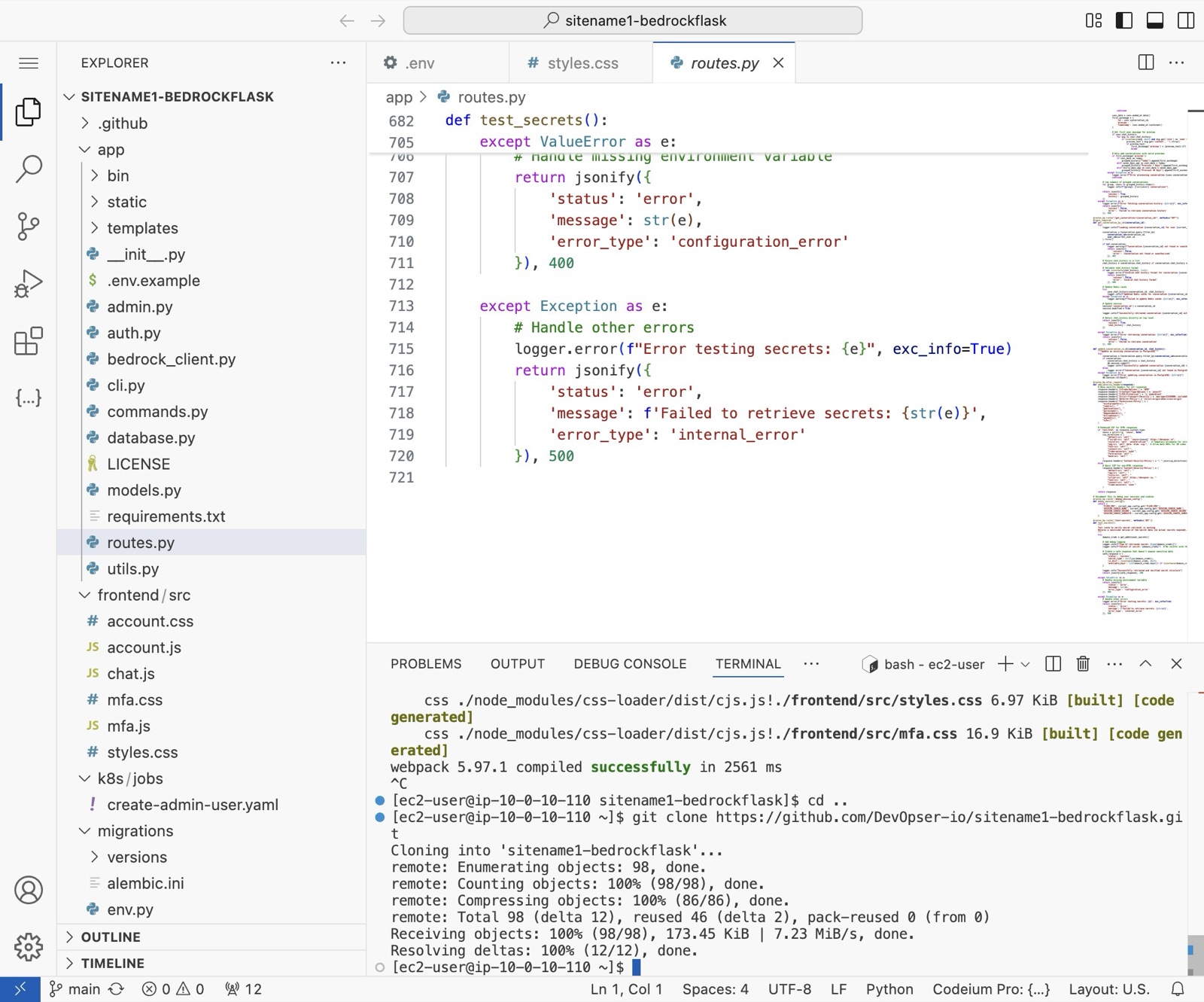
From your code-server, navigate to the file you want to update. eg: app/routes.py
-
2
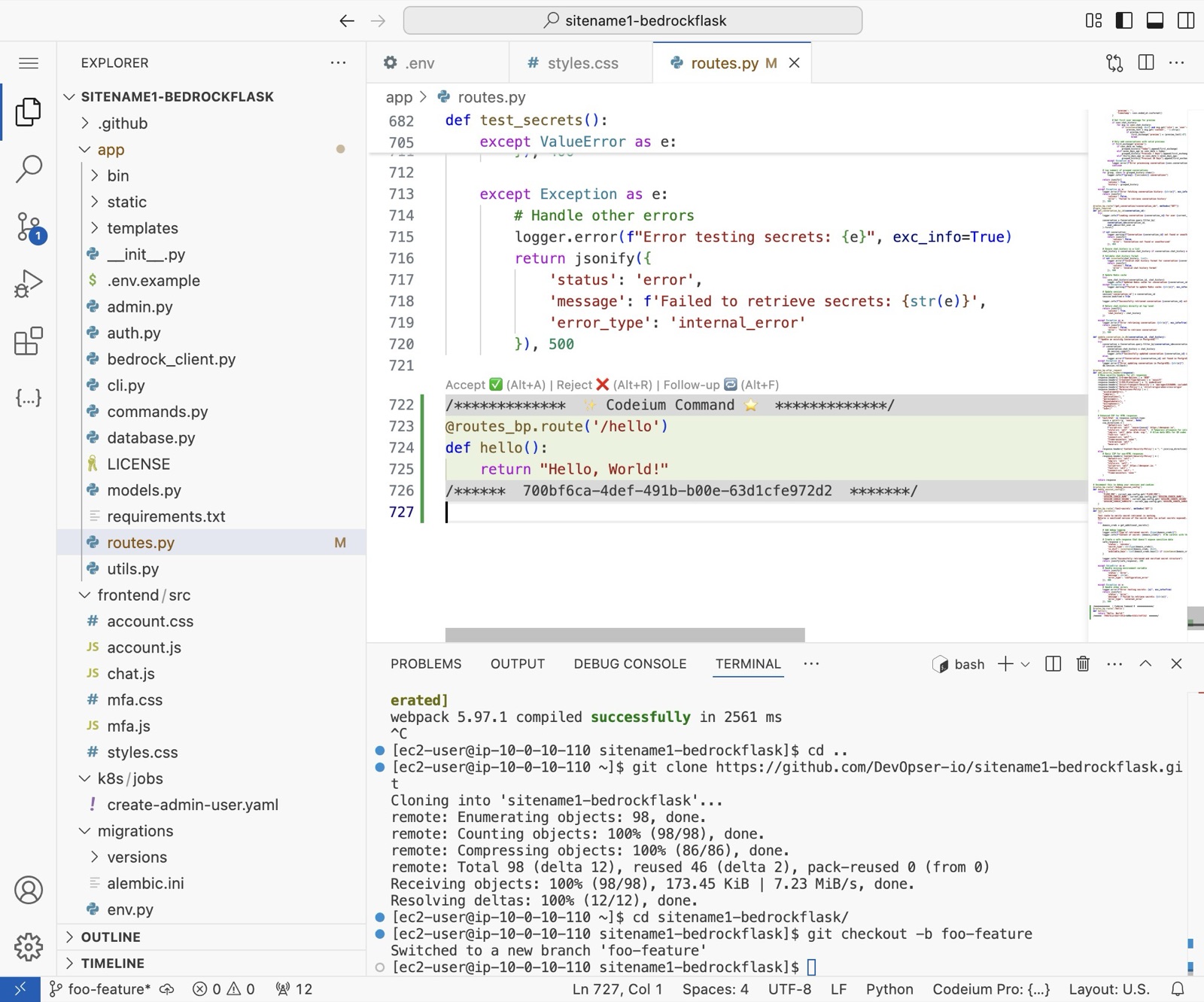
Checkout a new feature git branch.\ [[git checkout -b foo-feature]]
-
3
Make your change to the application. Below I used Codeium to add a simple “Hello World” route.
-
4
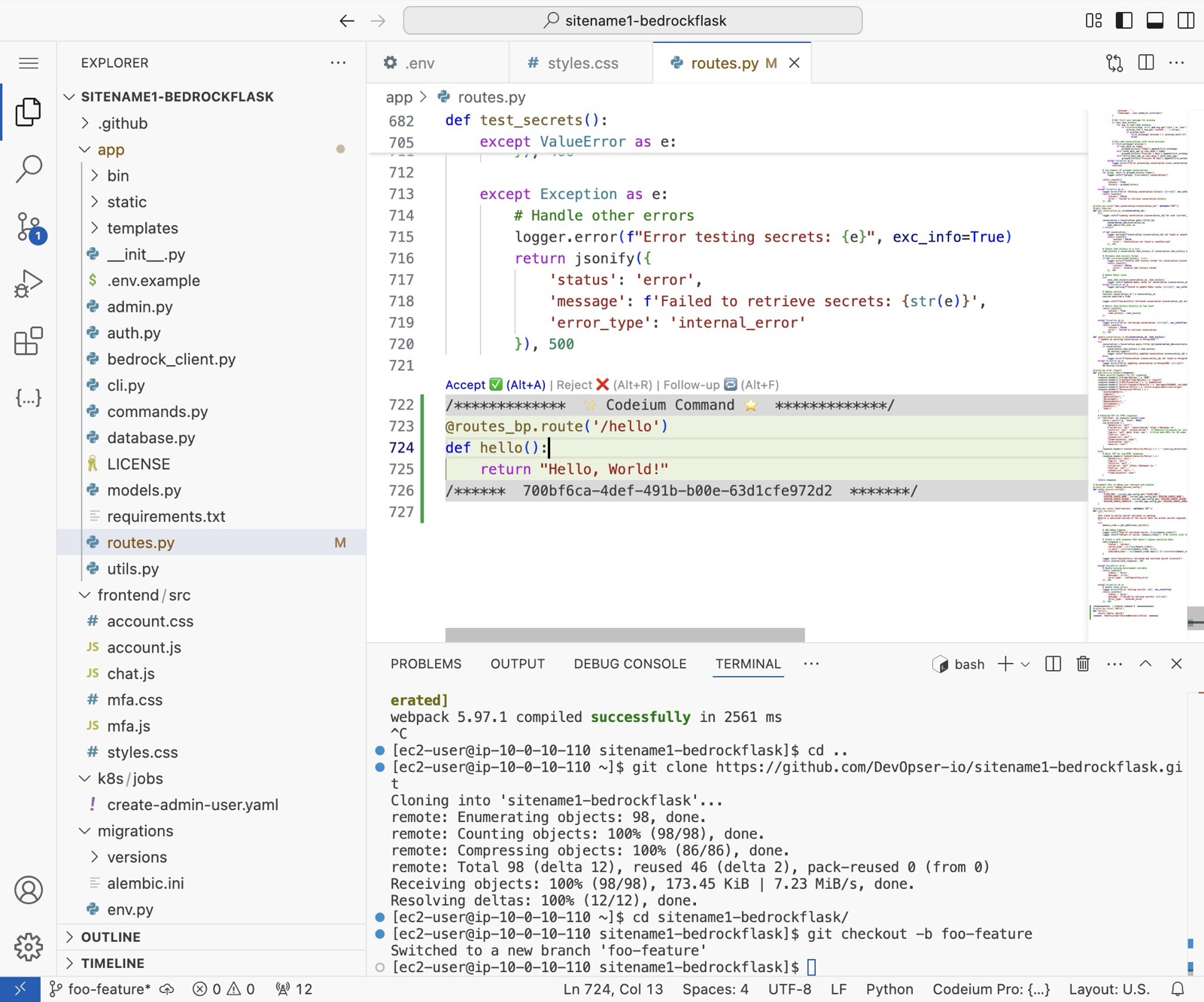
Accept your changes if using an AI editor. “Accept ✅ (Alt+A)”
-
5
Restart your backend application to see the changes. You can just go the terminal where it's running and CNTRL +C, then run [[gunicorn --timeout 120 --bind 0.0.0.0:8000 run:app]] again to relaunch.
-
6
Switch to tab app.devopser.io and go to your site detail page.
-
7
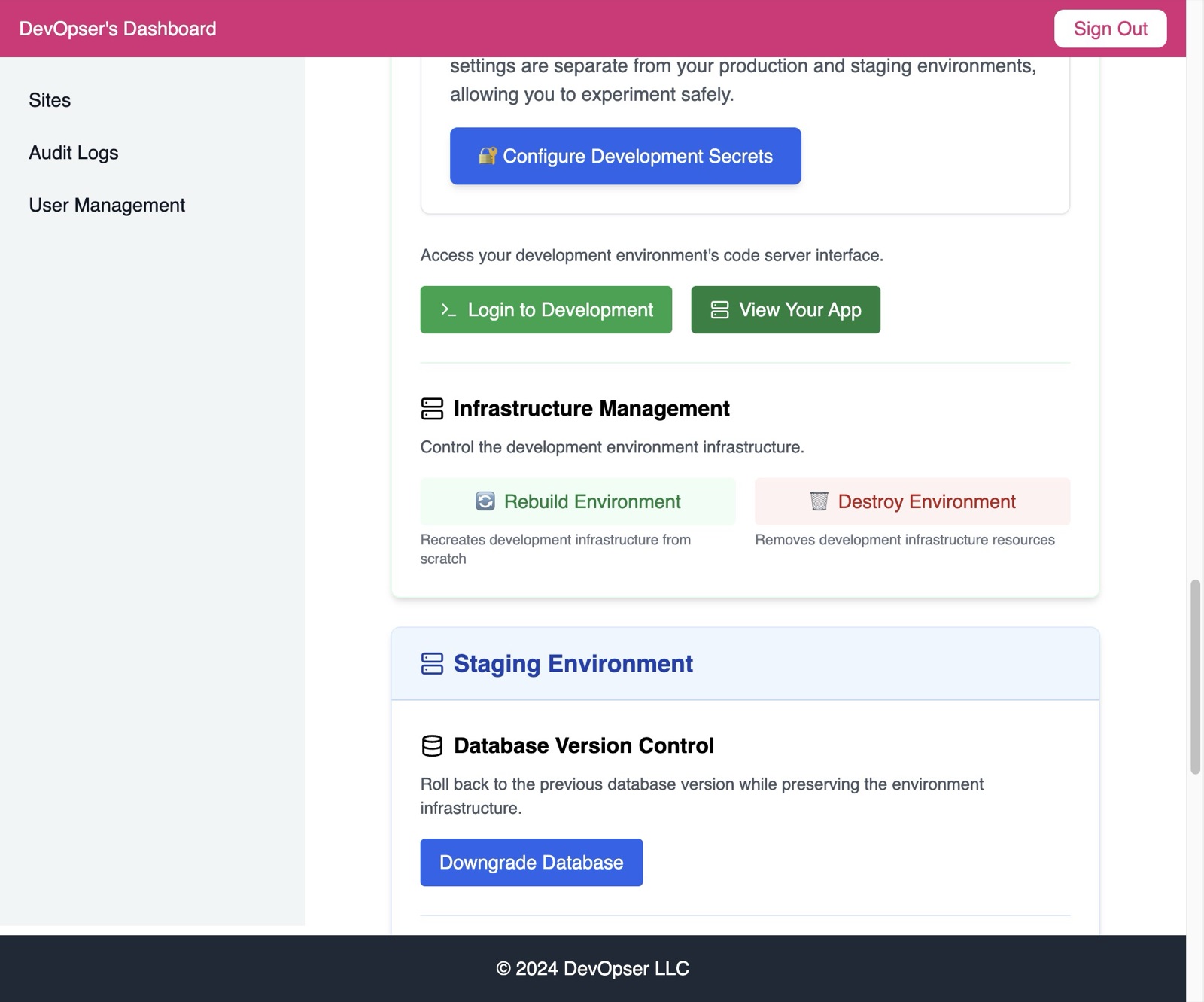
Click “View Your App”
-
8
You can see the new route is now working in dev - great!