
Access Your Production and Staging URLs
Find and open your site's Production and Staging URLs from the Site Detail page, with troubleshooting.
-
1
After your site has been launched, navigate to https://app.devopser.io/sites/<yoursitenumber>
-
2
Staging and Production are both in “applying” state.
-
3
Click “Production” to navigate to the production URL.
-
4
Since the workspaces are not in an applied state, the link will not work yet.
-
5
Once the environments are applied, the link will work.
-
6
Click “Production”
-
7
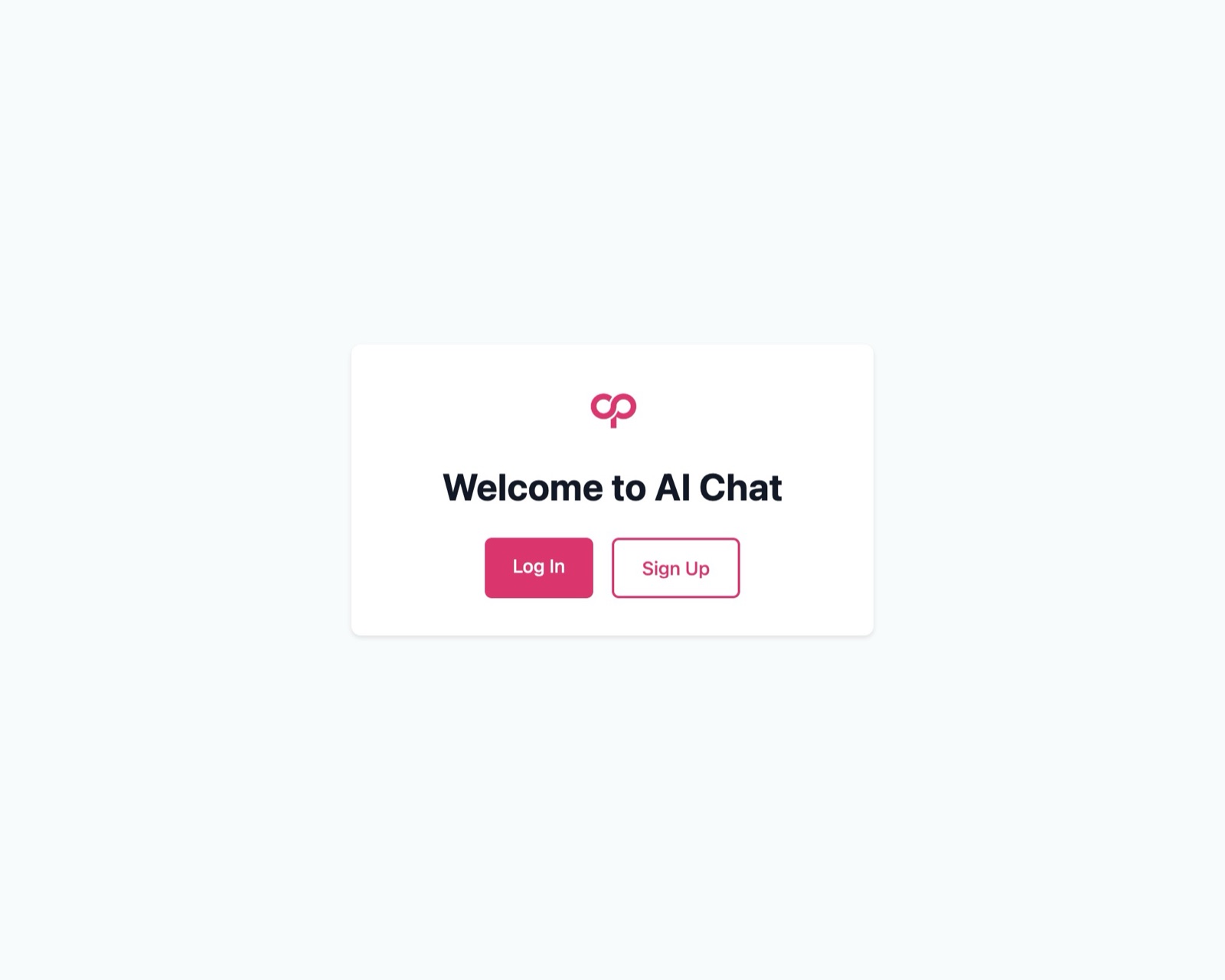
You should see your Production app login page.
-
8
To navigate to the staging URL, click on “Staging” in environment links, once the workspace is in an “applied” state.