Authentication to the DevOpser Platform
Sign in to the DevOpser platform with GitHub and set up multi-factor authentication. This walkthrough takes you from the AWS Marketplace listing through to your completed profile.
-
1
If you are not a DevOpser customer, sign up for an account via the AWS Marketplace.
-
2
Navigate to https://app.devopser.io/
-
3
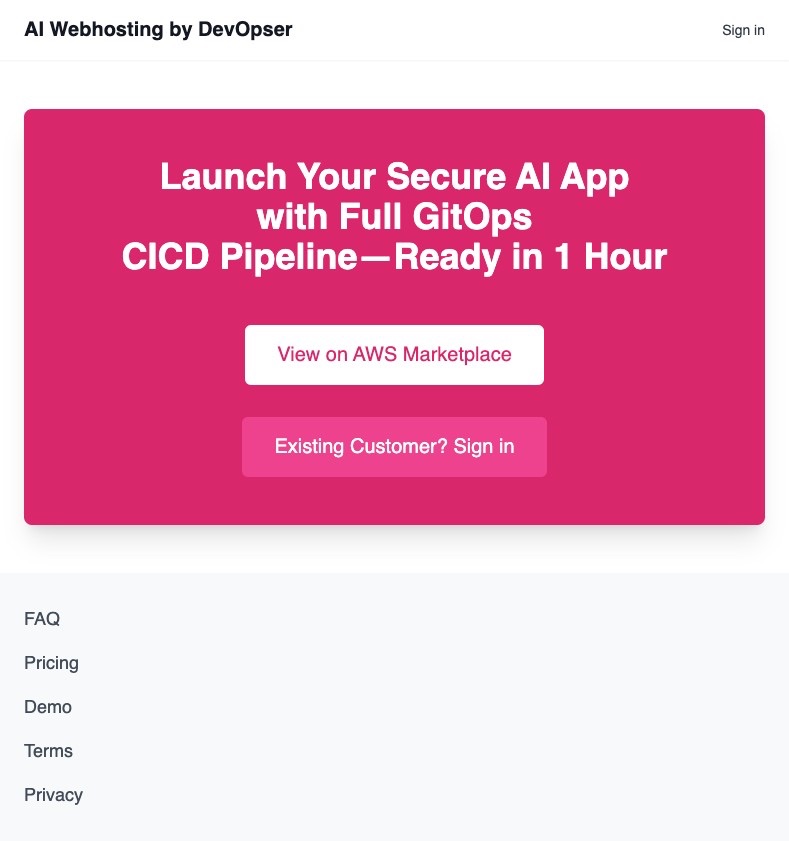
Click “Existing Customer? Sign in”.
-
4
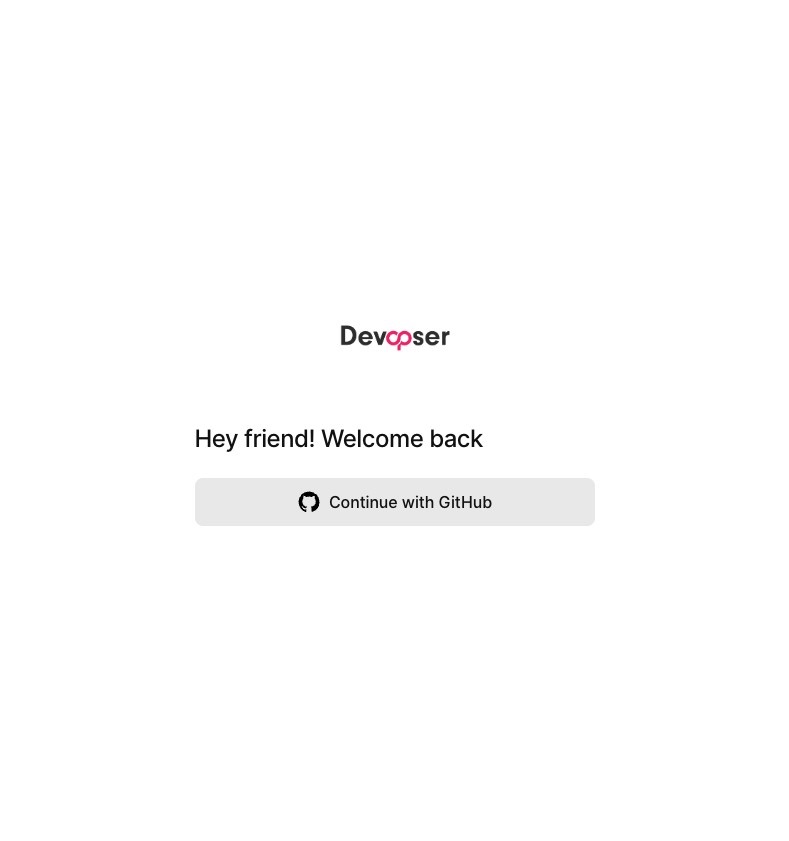
Click “Continue with GitHub”.
-
5
Sign in to the GitHub account associated with your registered customer email.
-
6
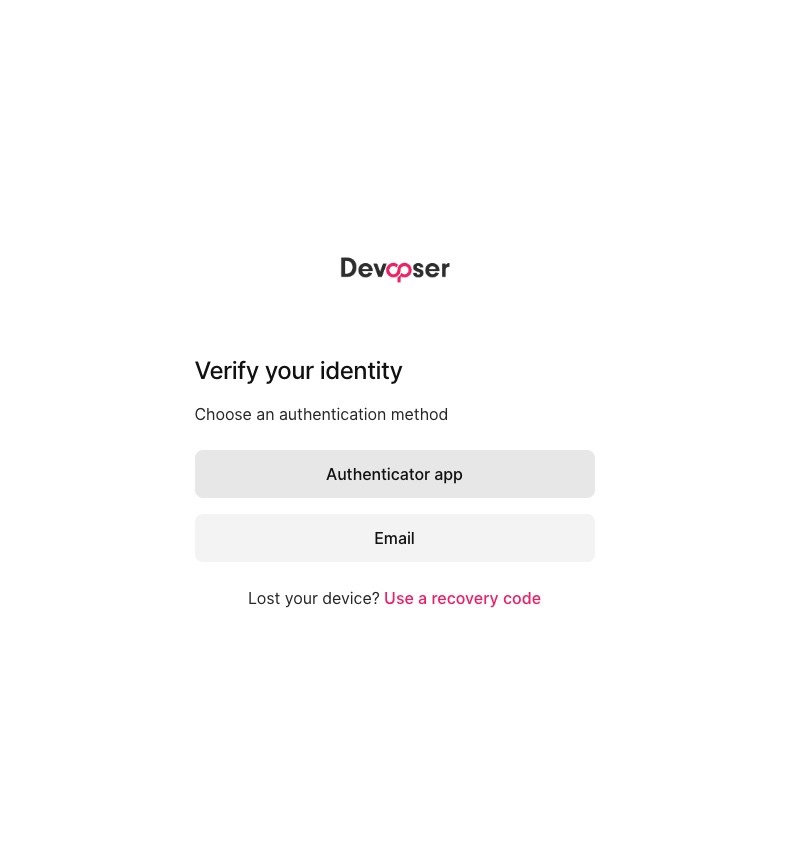
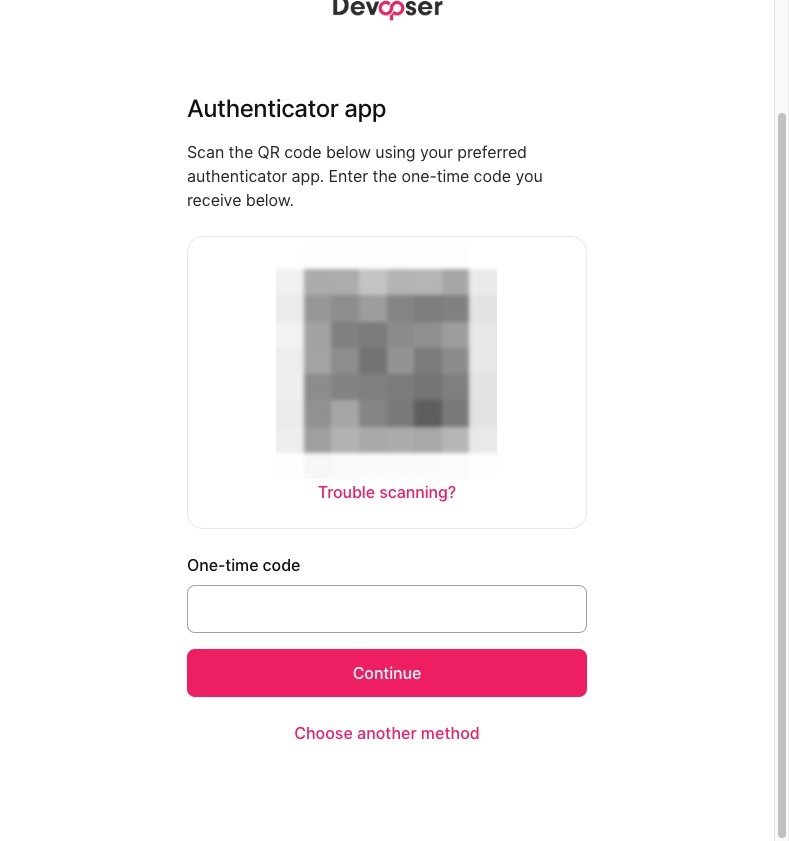
For MFA, you can use either an Authenticator app or Email. We recommend Microsoft Authenticator, though any authenticator app works.
-
7
You can only use one MFA method. To switch, click “Choose another method”.
-
8
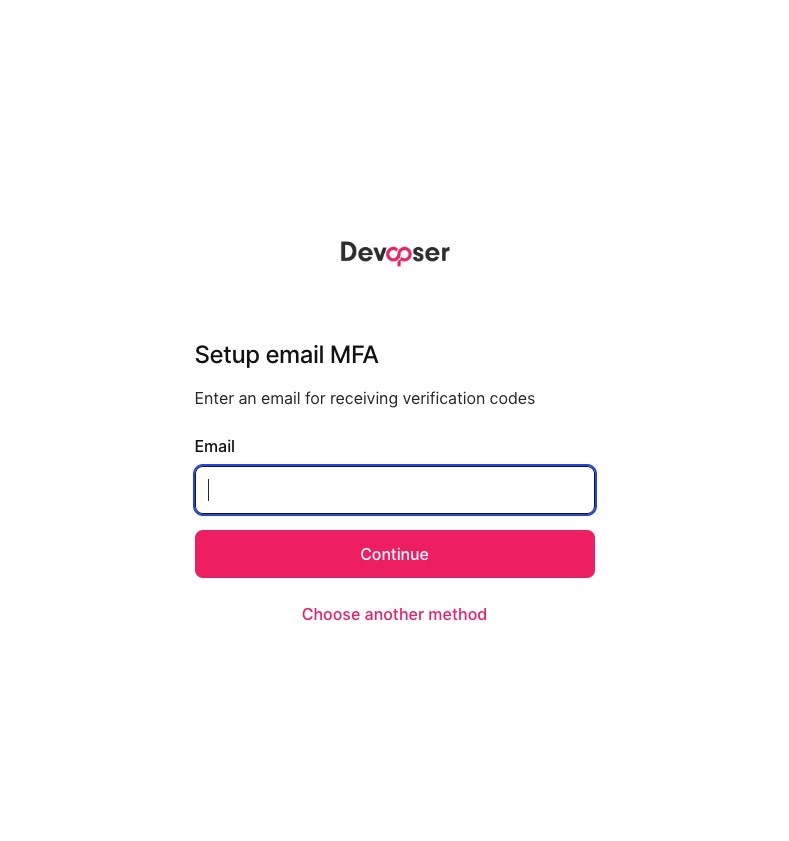
If you choose Email, use the email associated with your account so the OTP codes are sent to the right inbox.
-
9
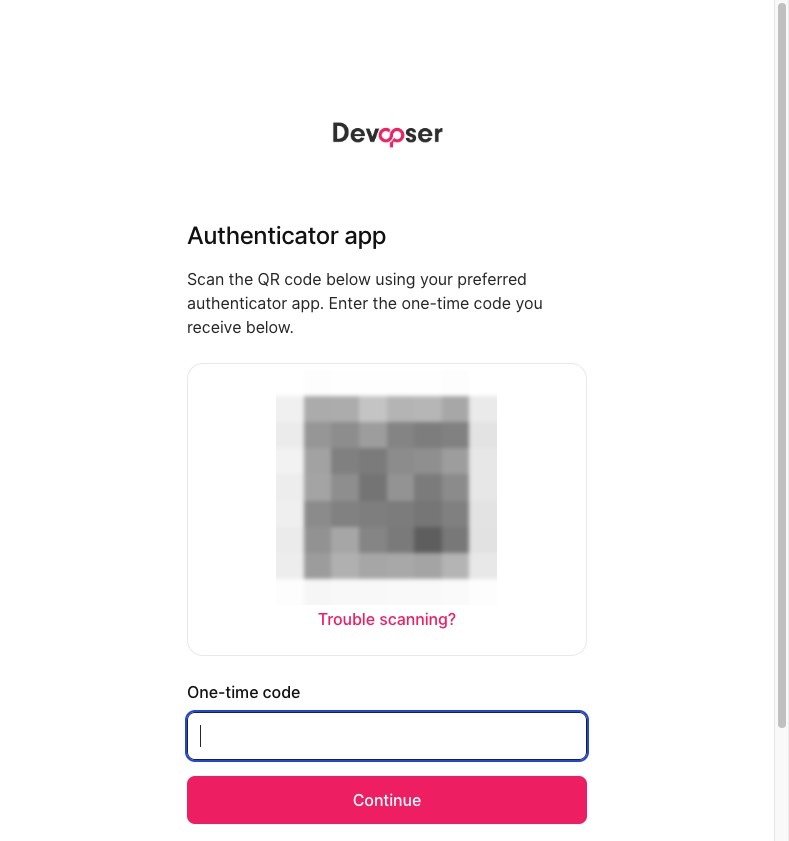
Enter your one-time code, either from the email or the Authenticator app.
-
10
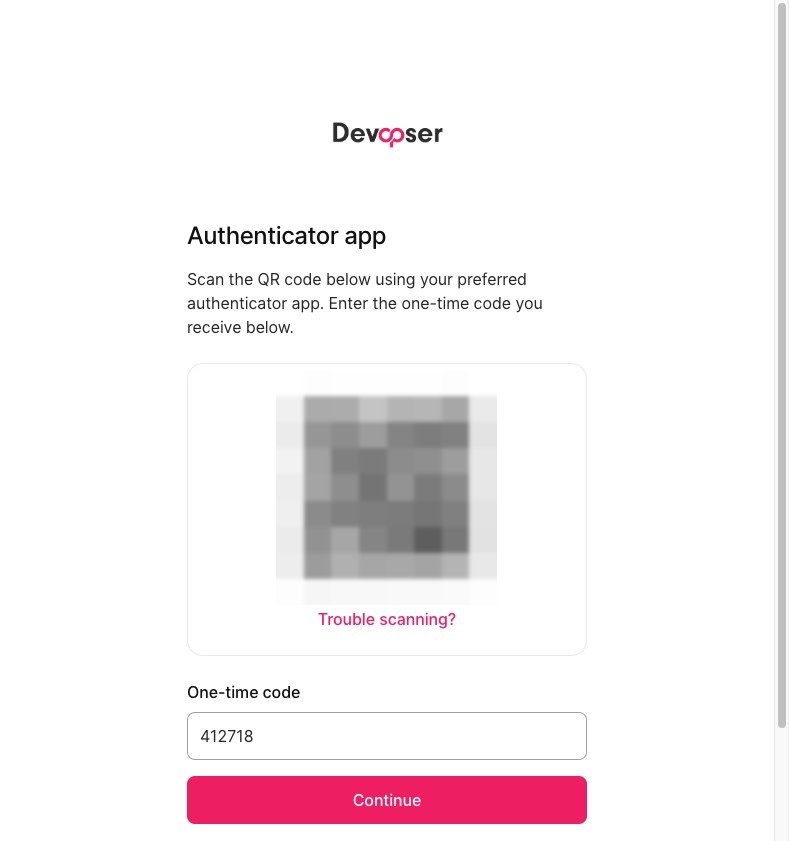
Click “Continue”.
-
11
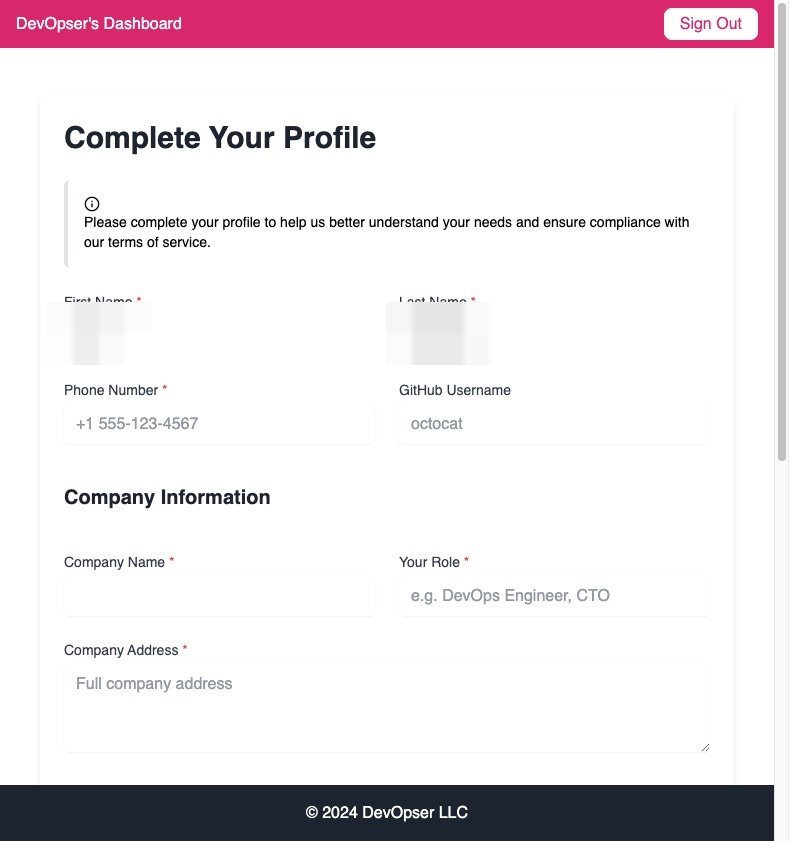
When you see “Complete Your Profile”, you have successfully authenticated to the platform.