Deactivate a Site
Deactivate a site on the DevOpser AI web-hosting and development platform.
-
1
Navigate to the site detail page, for example https://app.devopser.io/sites/<yoursitenumber>
-
2
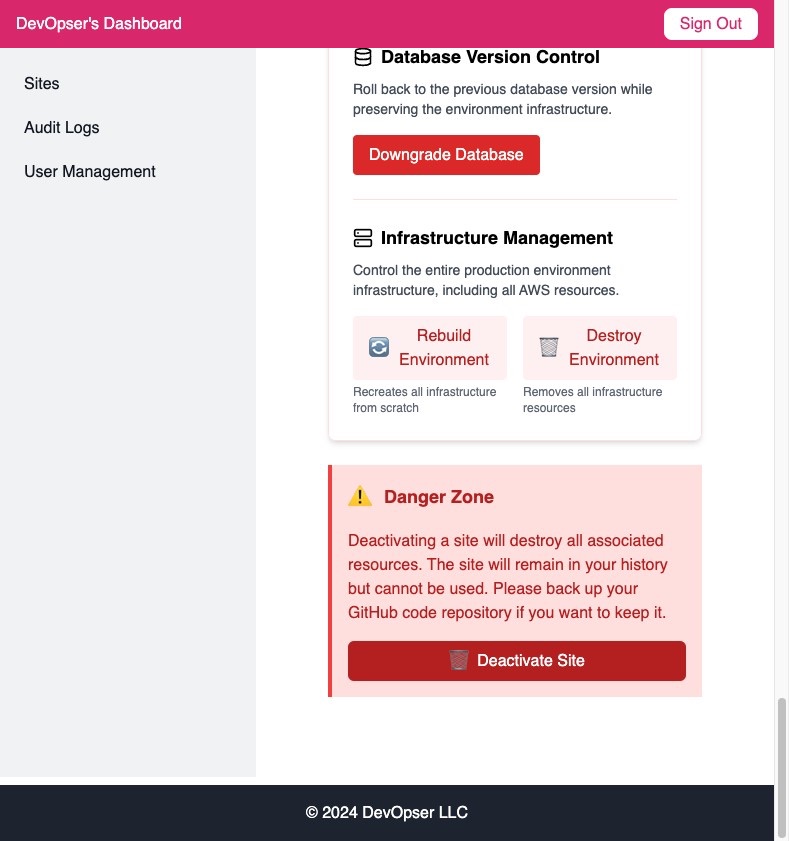
Click “🗑️Deactivate Site”
-
3
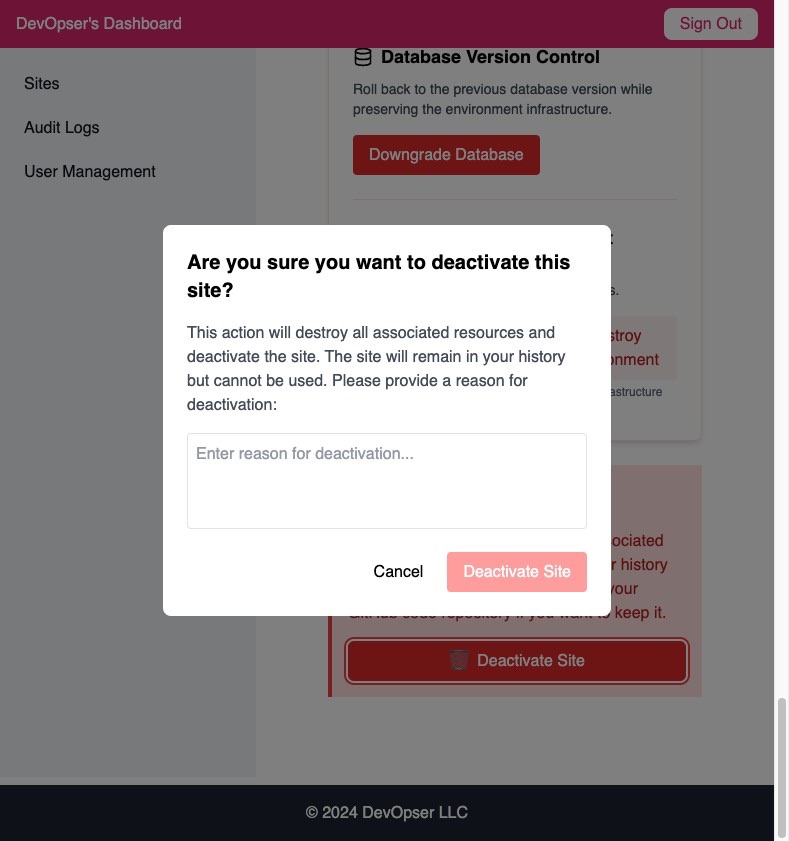
Enter a reason for deactivation for your audit logs.
-
4
Click “Deactivate Site”
-
5
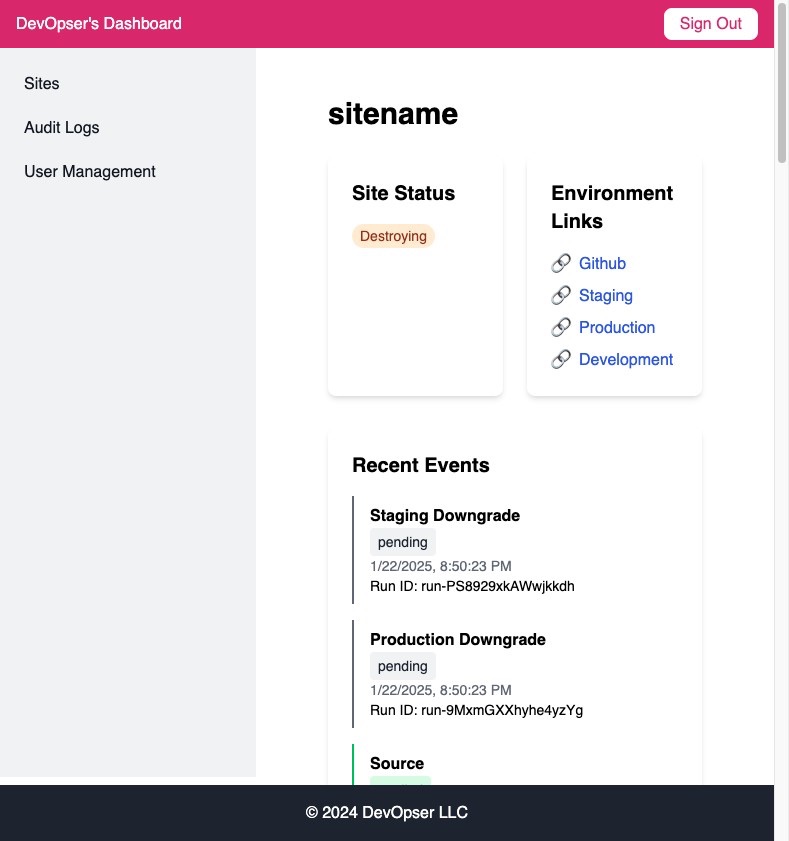
Your site status will now be “Destroying”.
-
6
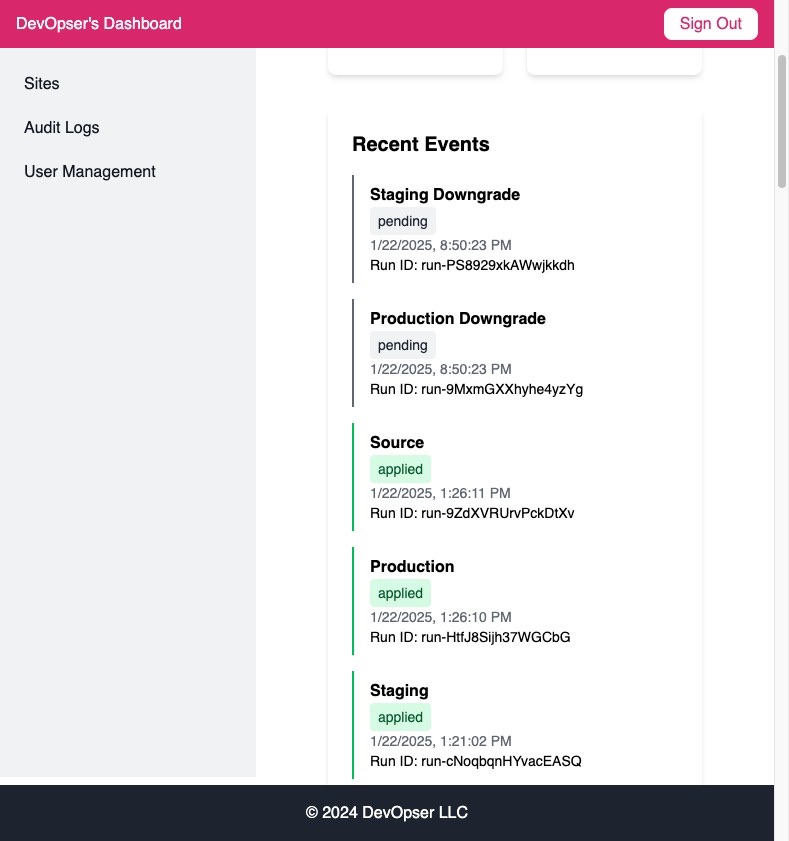
You'll know its working because the workspaces will start to run.
-
7
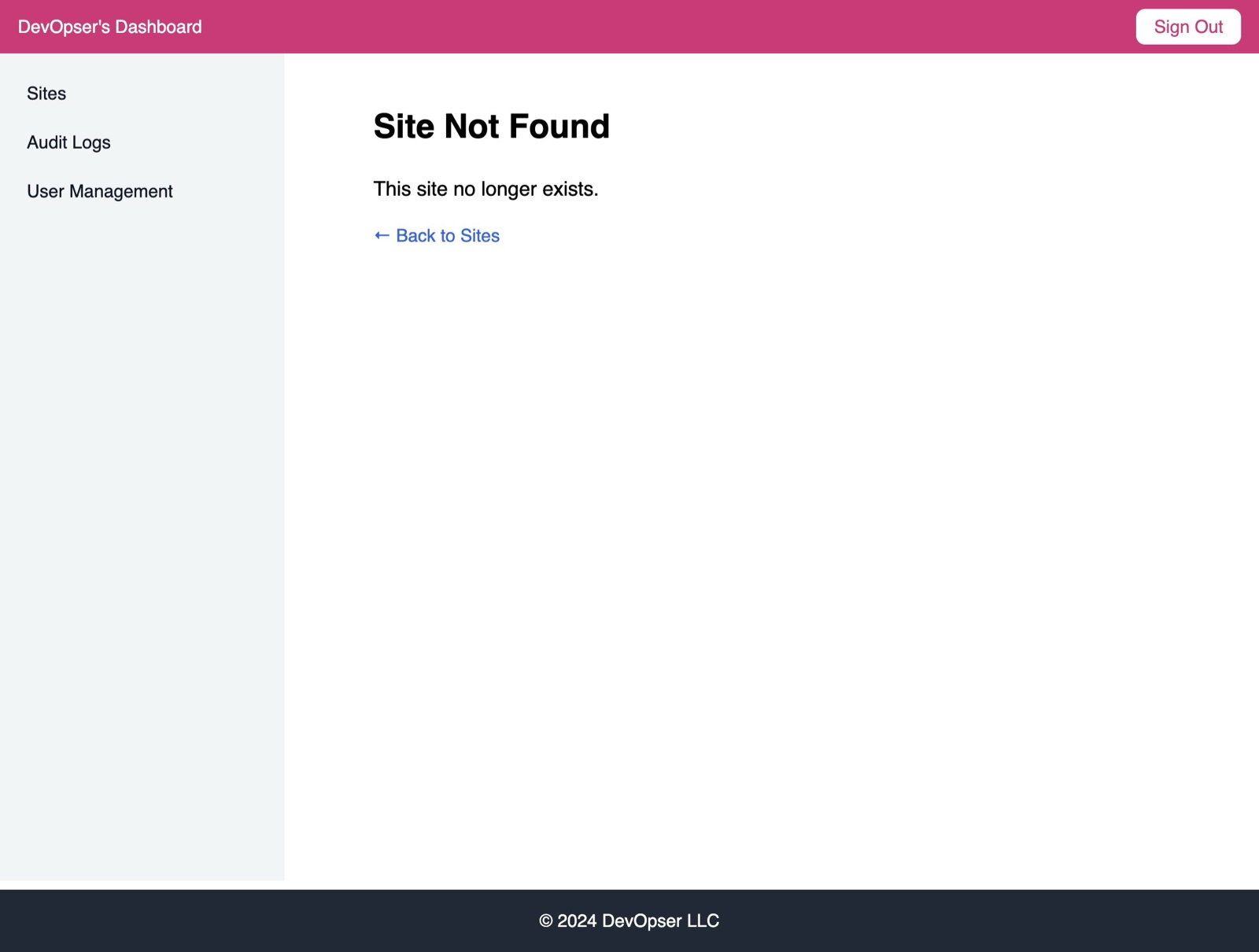
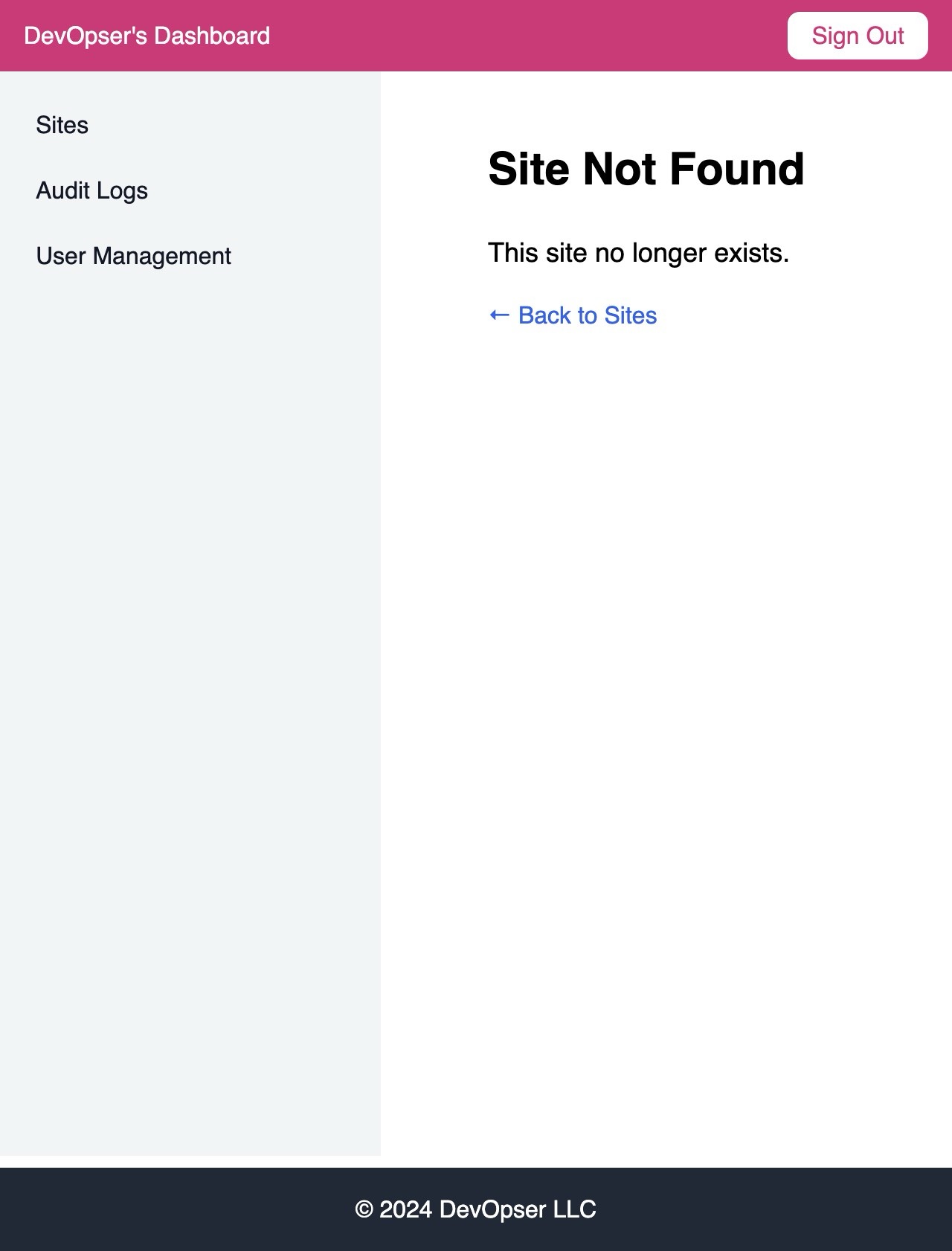
Once your site is deactivated, you will lose access to the site detail page.
-
8
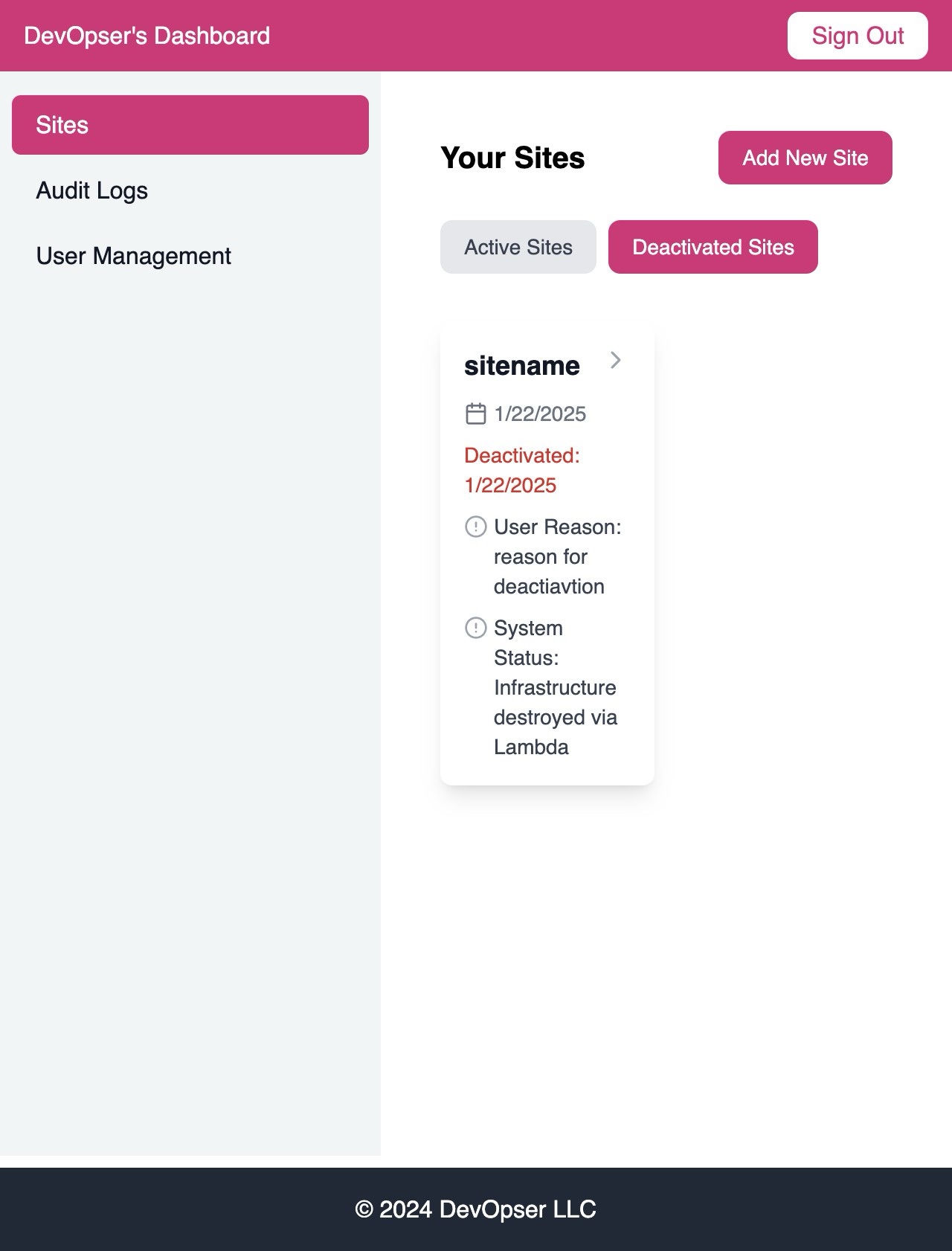
To find the list of Sites you have deactivated, click “Sites”
-
9
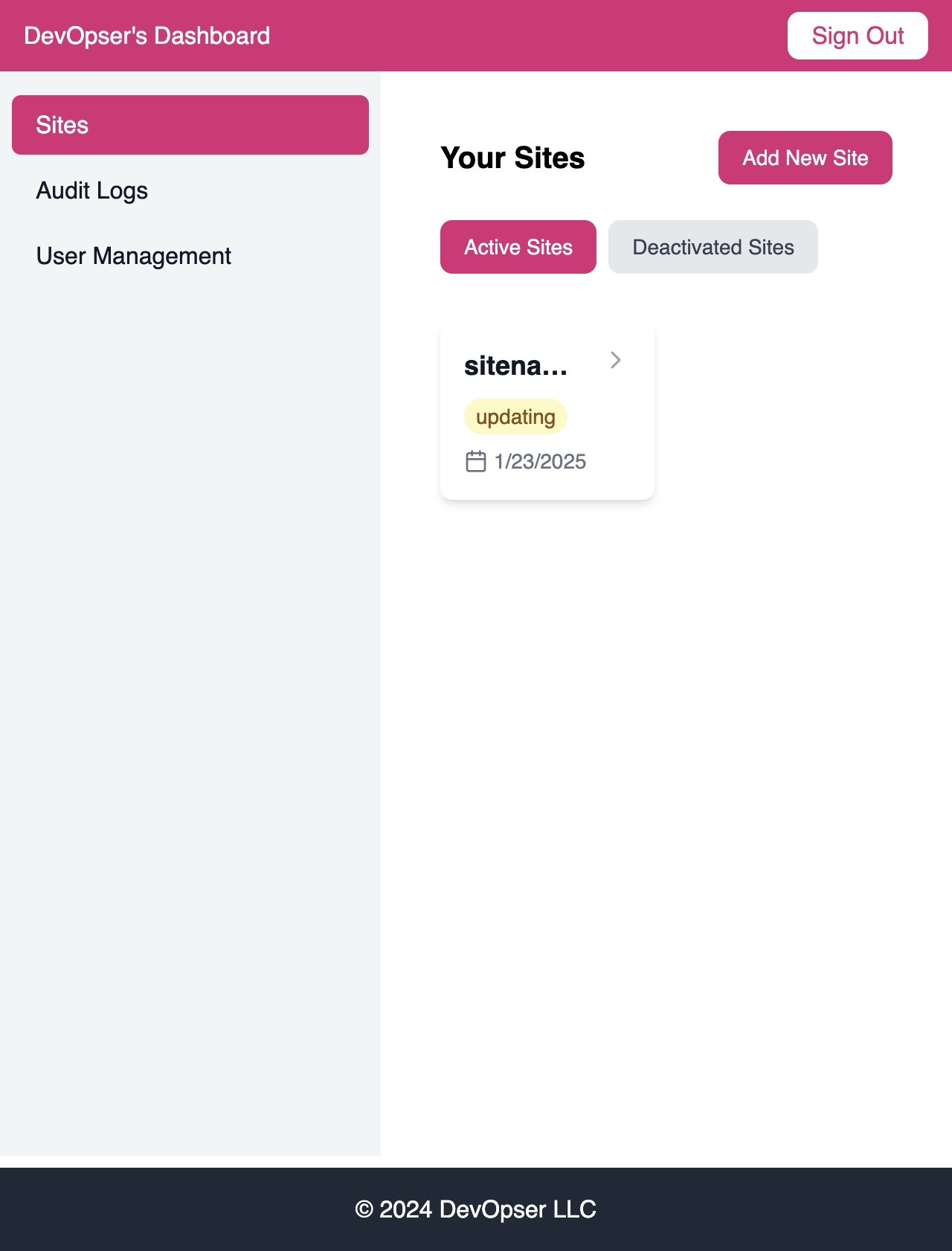
Click “Deactivated Sites”
-
10
You will see all the deactivated sites here.