
User Management
Manage the users who can access your DevOpser application.
-
1
Adding a user:
-
2
Navigate to https://app.devopser.io/
-
3
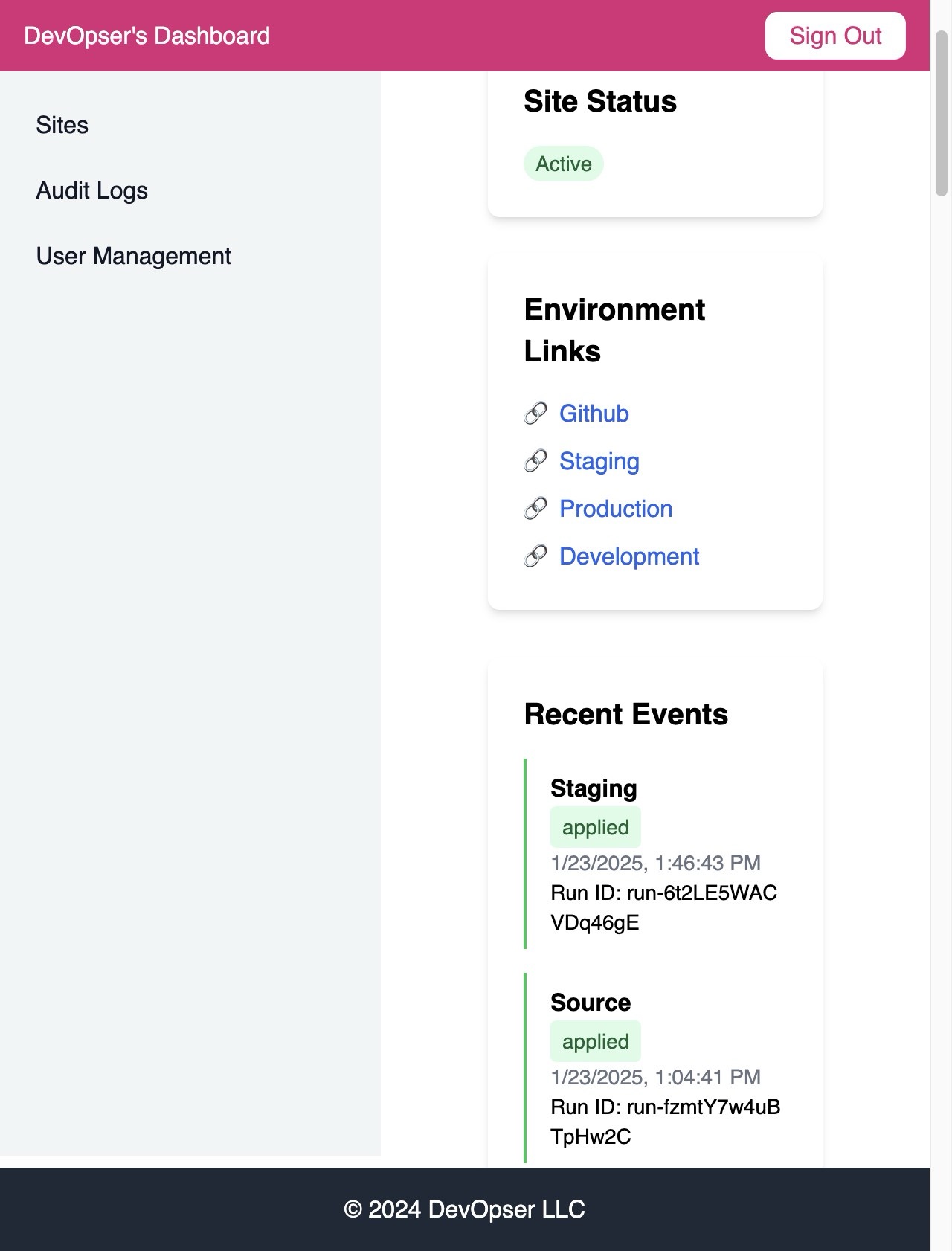
Click “User Management”
-
4
Click “Add User”
-
5
Type in the user name and click “Add User”
-
6
You will see the user is now in the list of users.
-
7
Adding a role to a user:
-
8
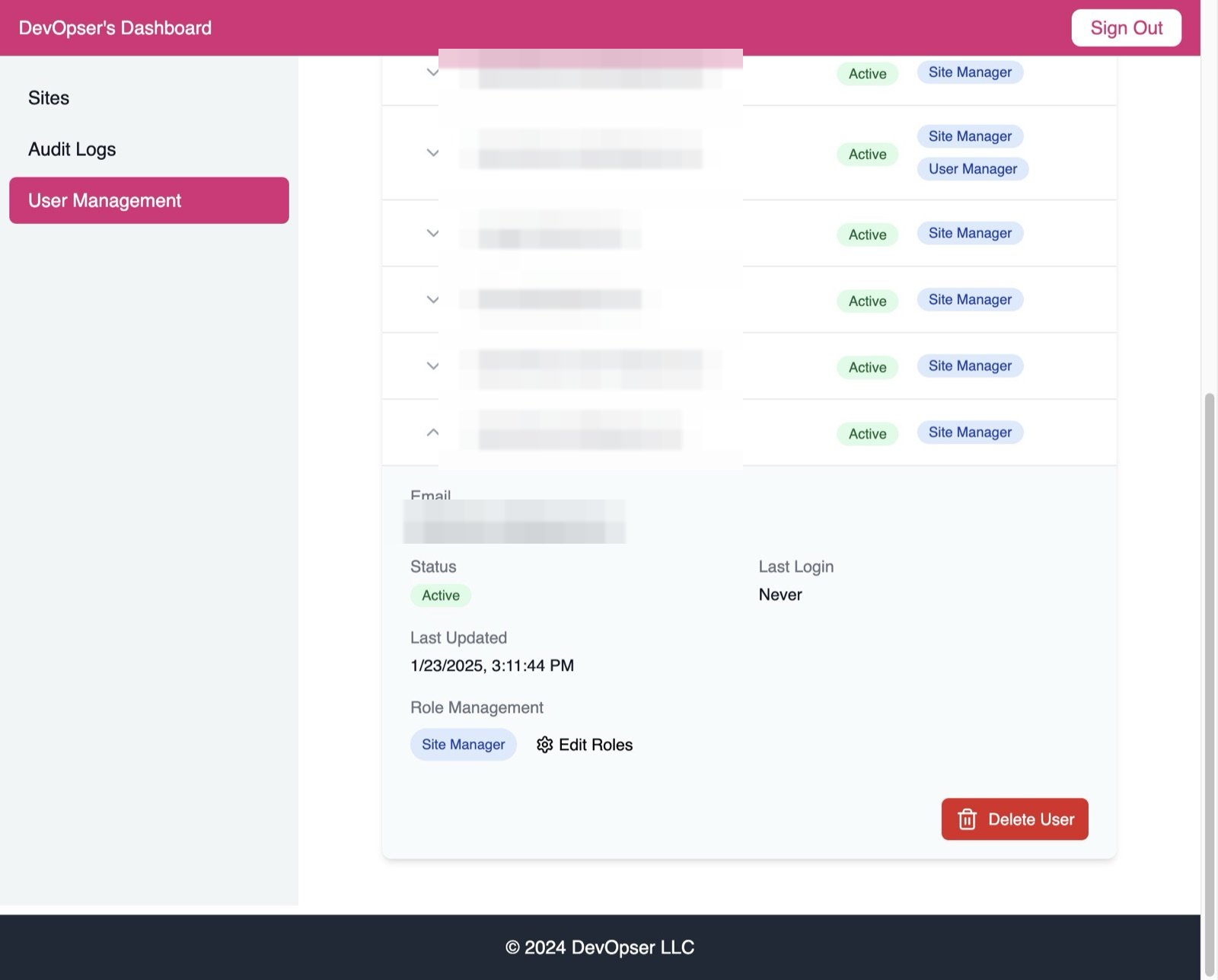
Click “Edit Roles”
-
9
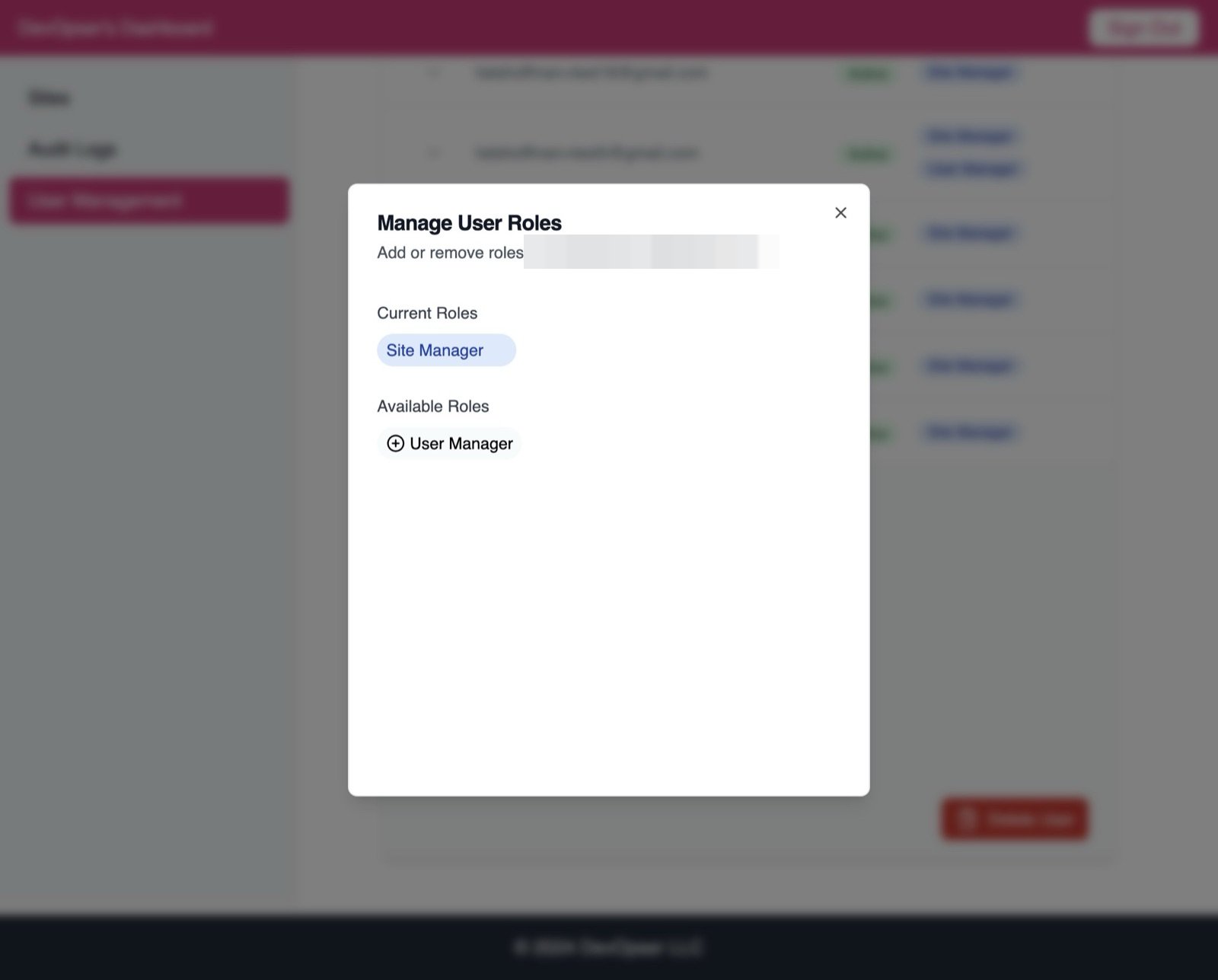
Click this icon next to the role you want to add to the User.
-
10
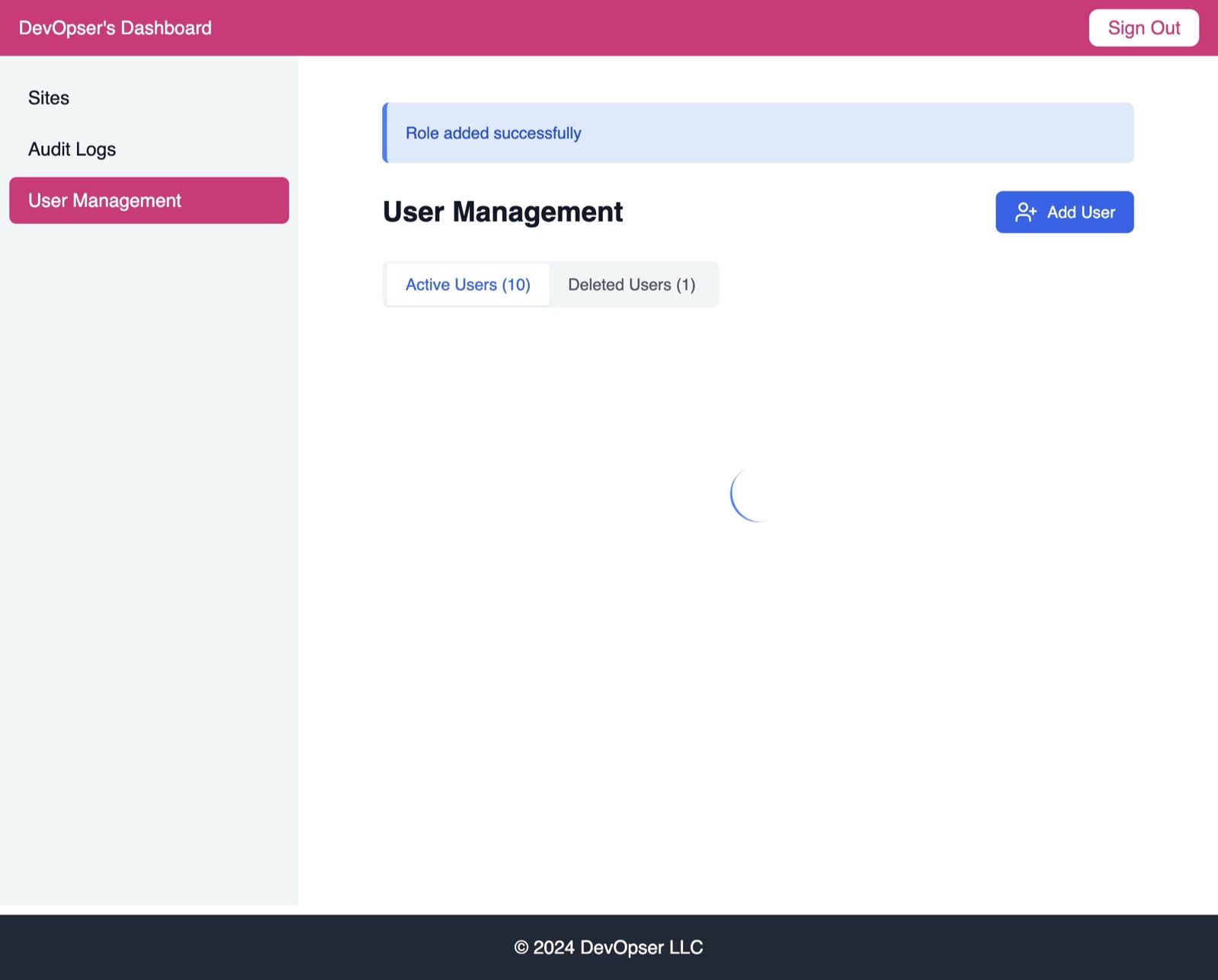
You can see: “Role added successfully”
-
11
Removing a role from a user:
-
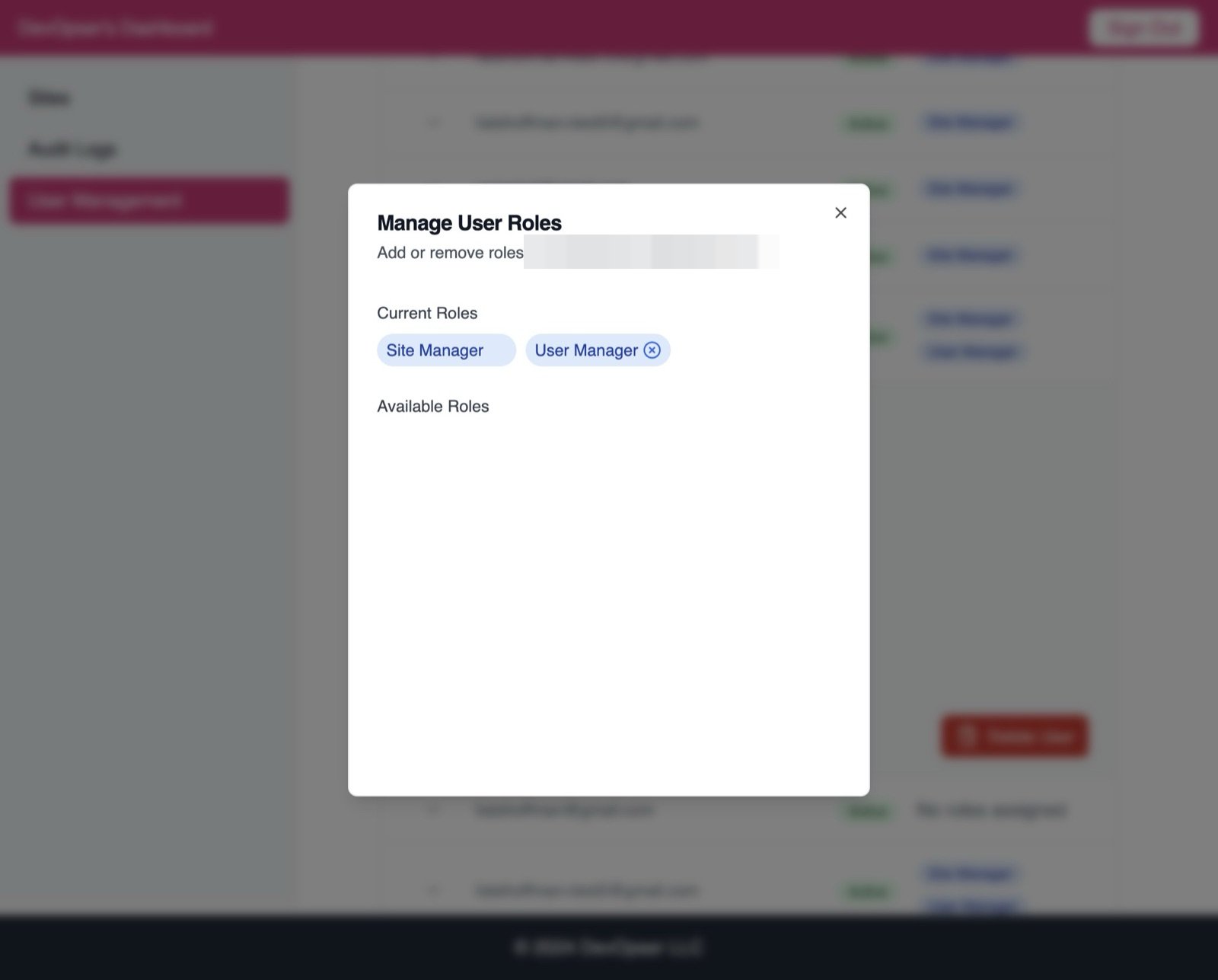
12
Click on the “X” next to the role to remove.
-
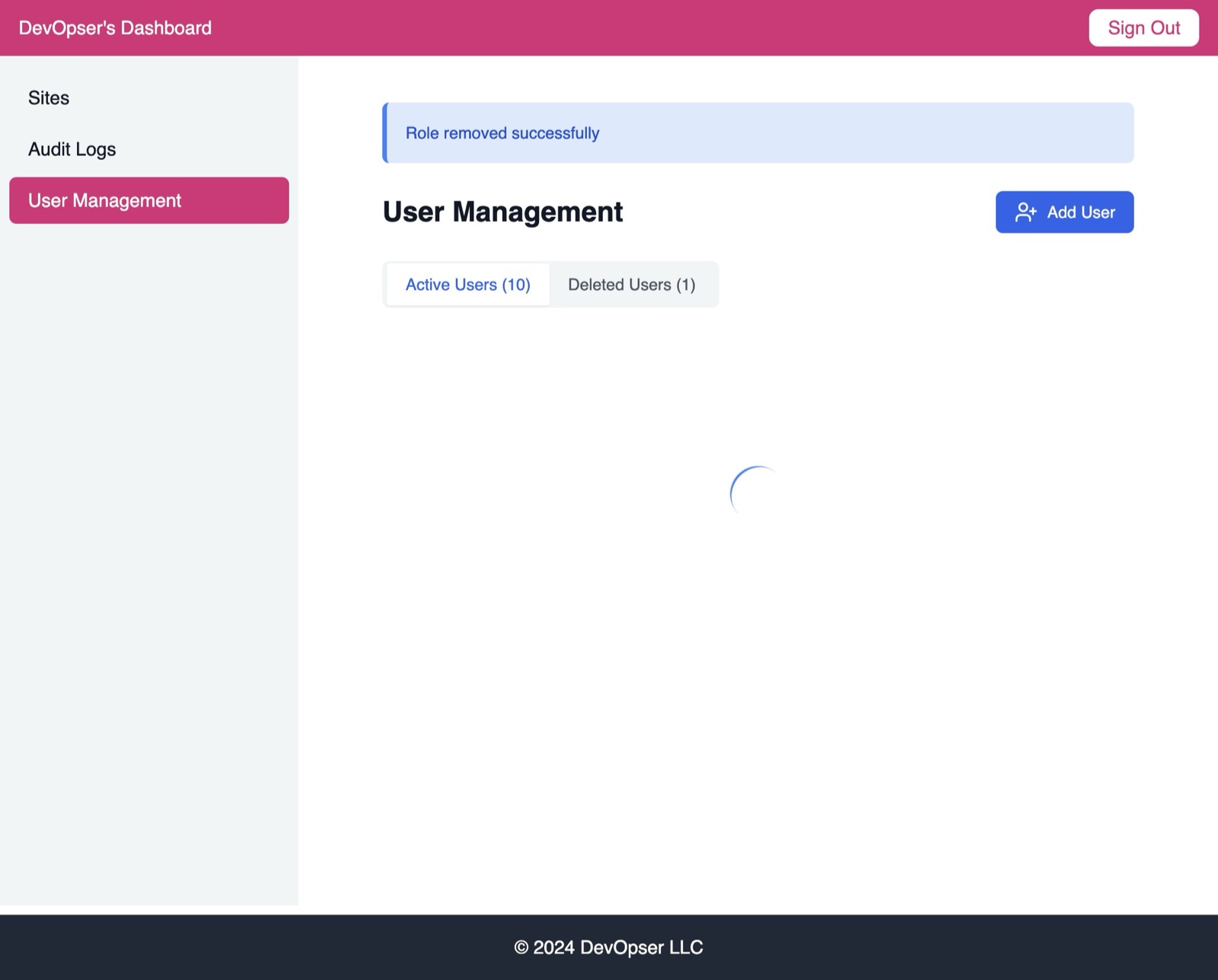
13
See: “Role removed successfully”
-
14
Delete a user:
-
15
Click “Delete User”
-
16
You will now see the user is in the “Deleted User” section.
-
17
Restore a deleted user:
-
18
In “Deleted Users” tab, click the user email you want to restore.
-
19
Click “Restore User”
-
20
You can see: “User successfully restored”
-
21
The user will now appear in the “Active Users” list again.