
Update Staging and Production Secrets
Update the environment secrets your site uses in Staging and Production.
-
1
Navigate to https://app.devopser.io/sites
-
2
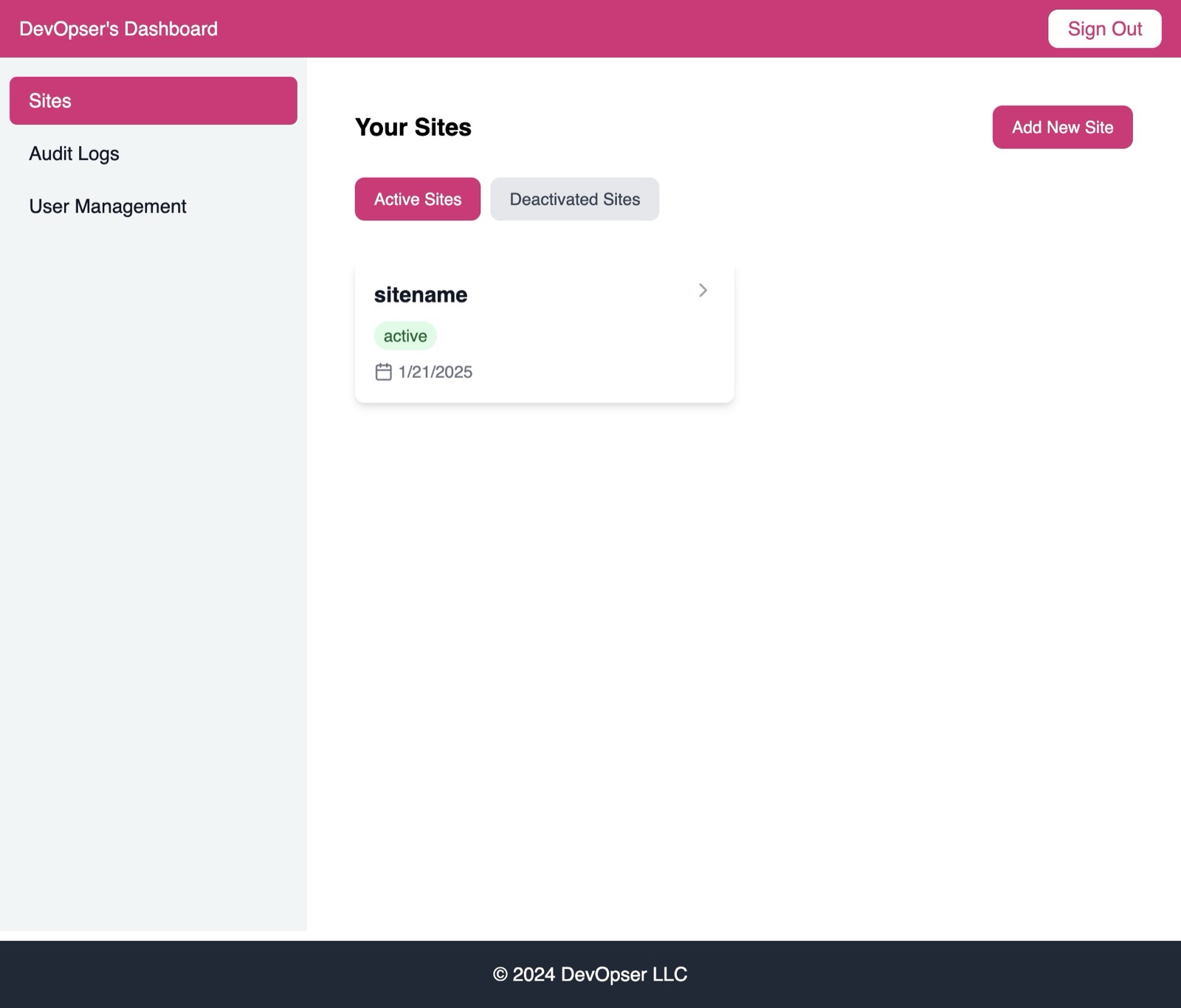
Drill down into your site.
-
3
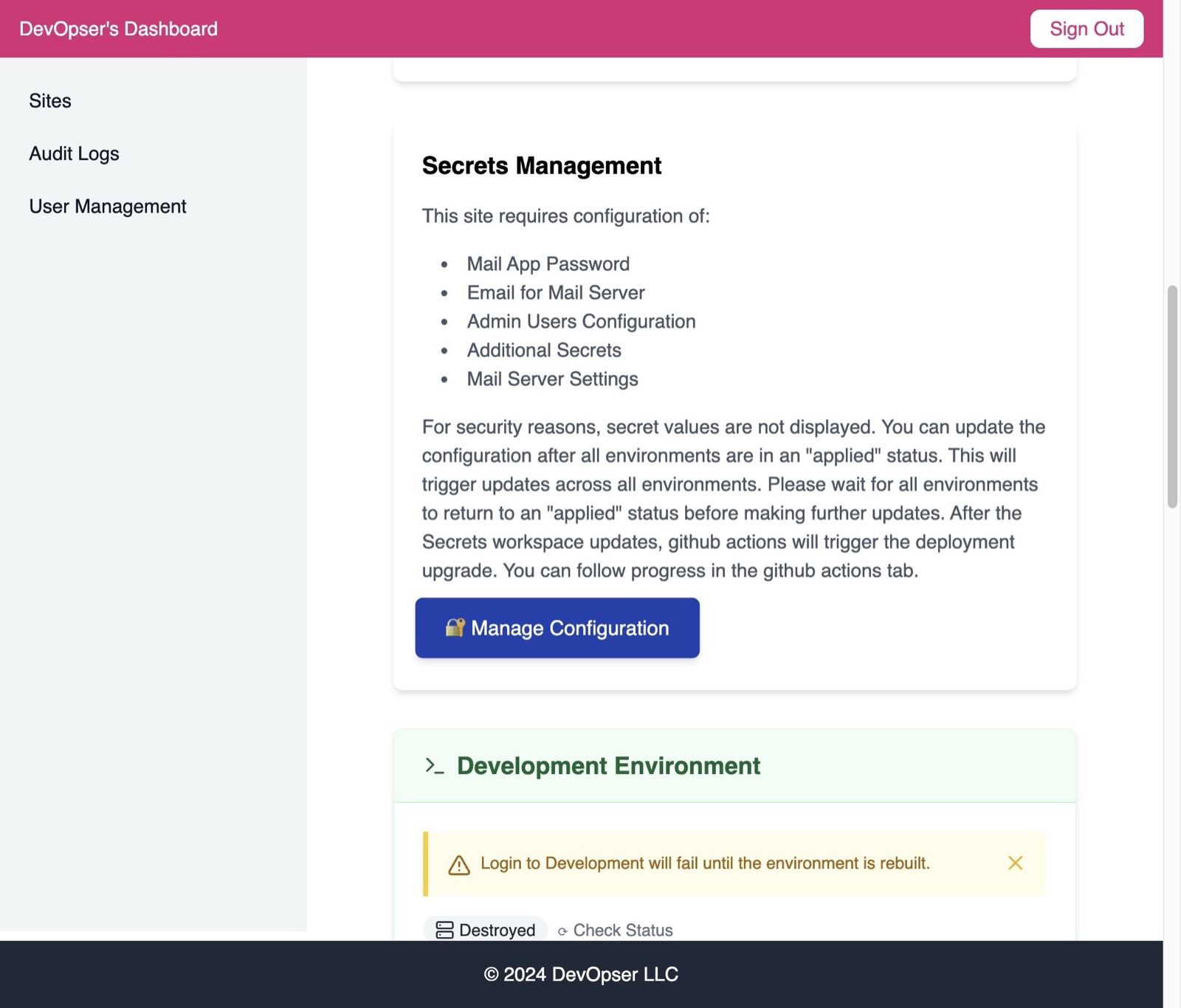
Click “🔐 Manage Configuration” under “Secrets Management”
-
4
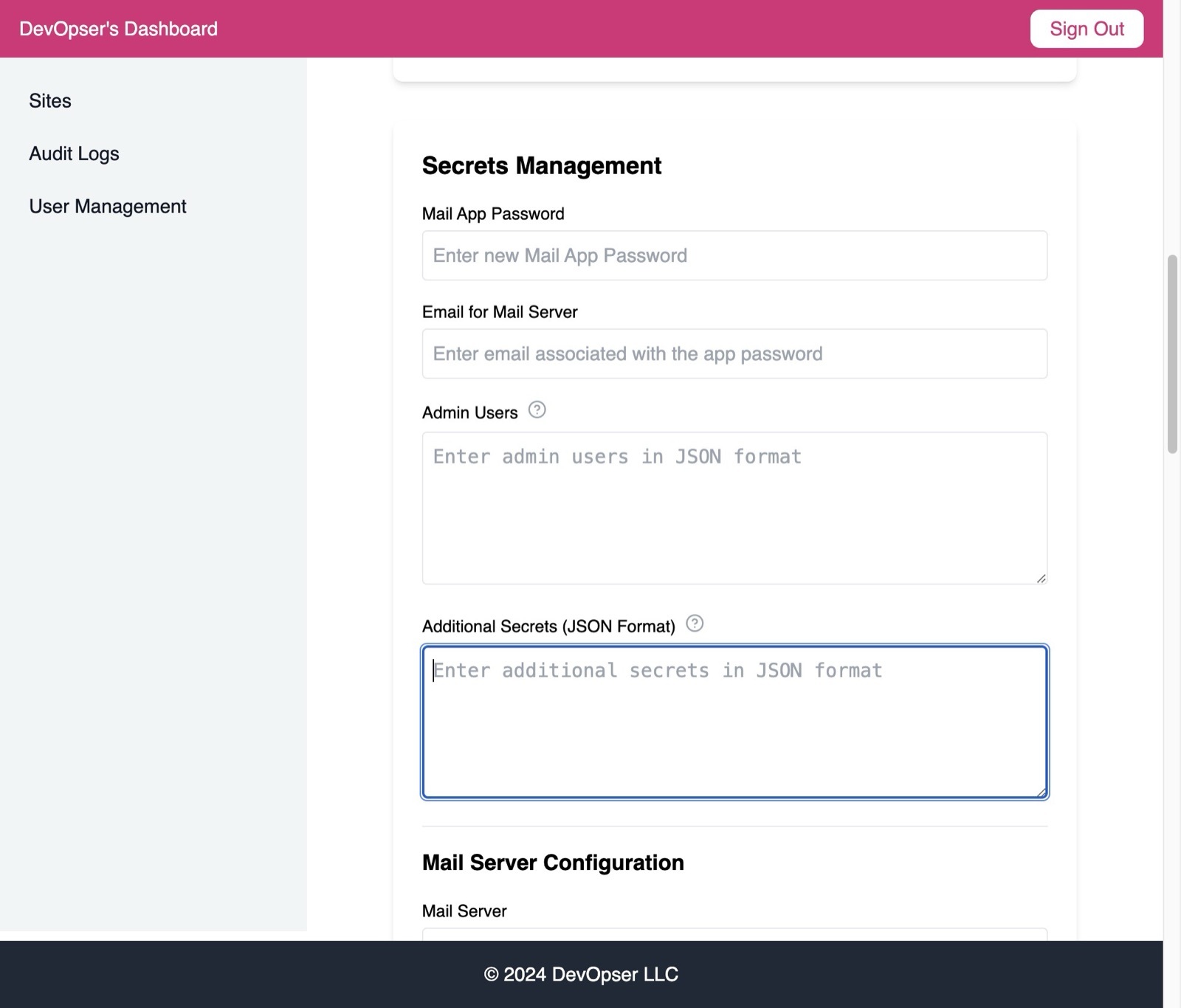
Choose the secret to update and input the new value.
-
5
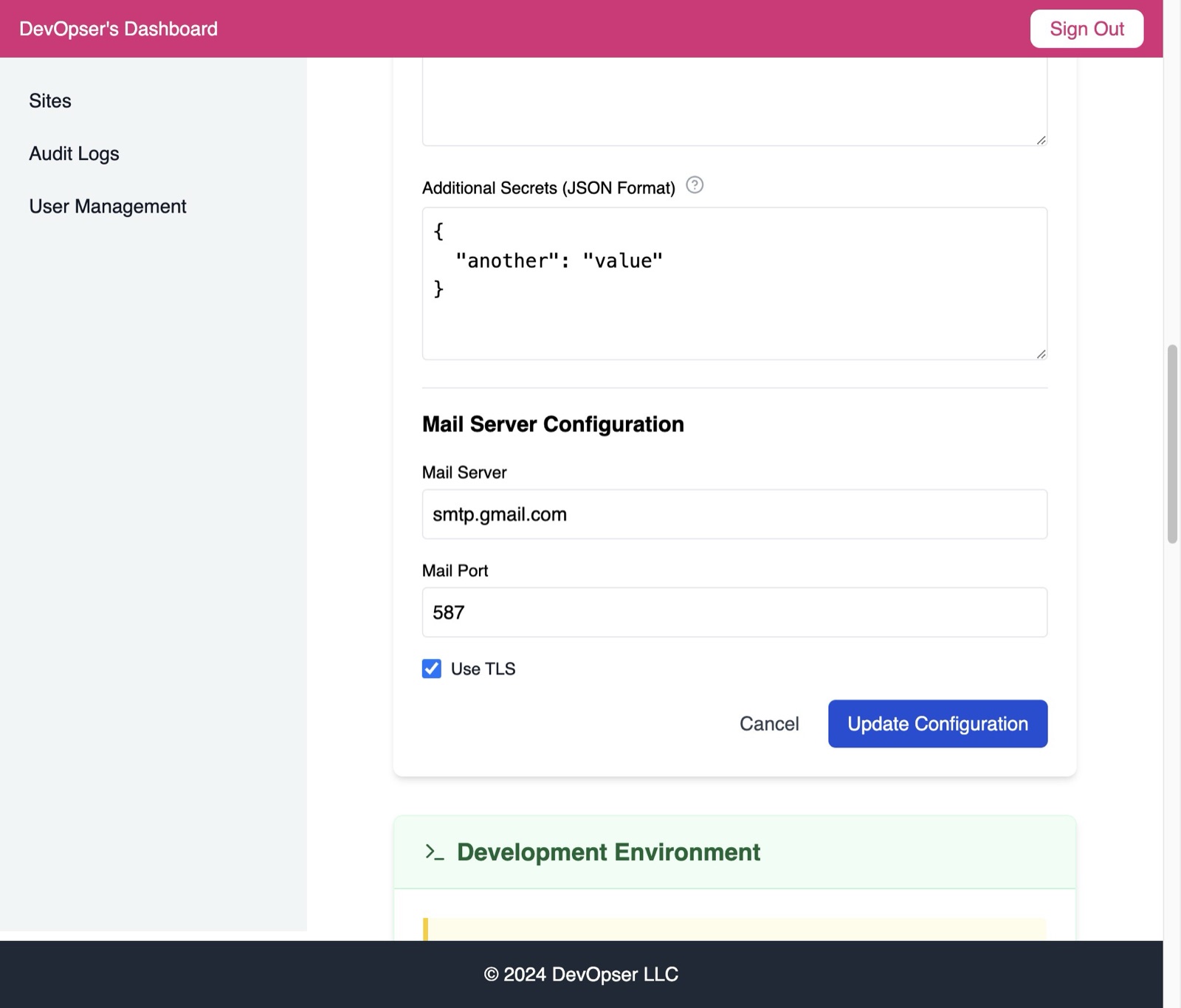
Click “Update Configuration” - this will trigger the update utility.
-
6
Please note - there is a 3 step process to the utility: 1. First it runs the customer secret workspace build with your new value. To keep track of the progress, you can see the status of the customer secret environment in “Recent Events” 2. Then it triggers a container build via GitHub Actions. To keep track of progress, see the GitHub Actions tab of your site's repo. 3. Finally, GitOps triggers the redeploy of your containers in Staging and Production. Keep track of progress in “Recent Events” in the Site Detail page for the Staging and Production environments.