
Launch a New AI Chat Site
Create and launch a new AI chat site on the platform.
-
1
Navigate to https://app.devopser.io/sites
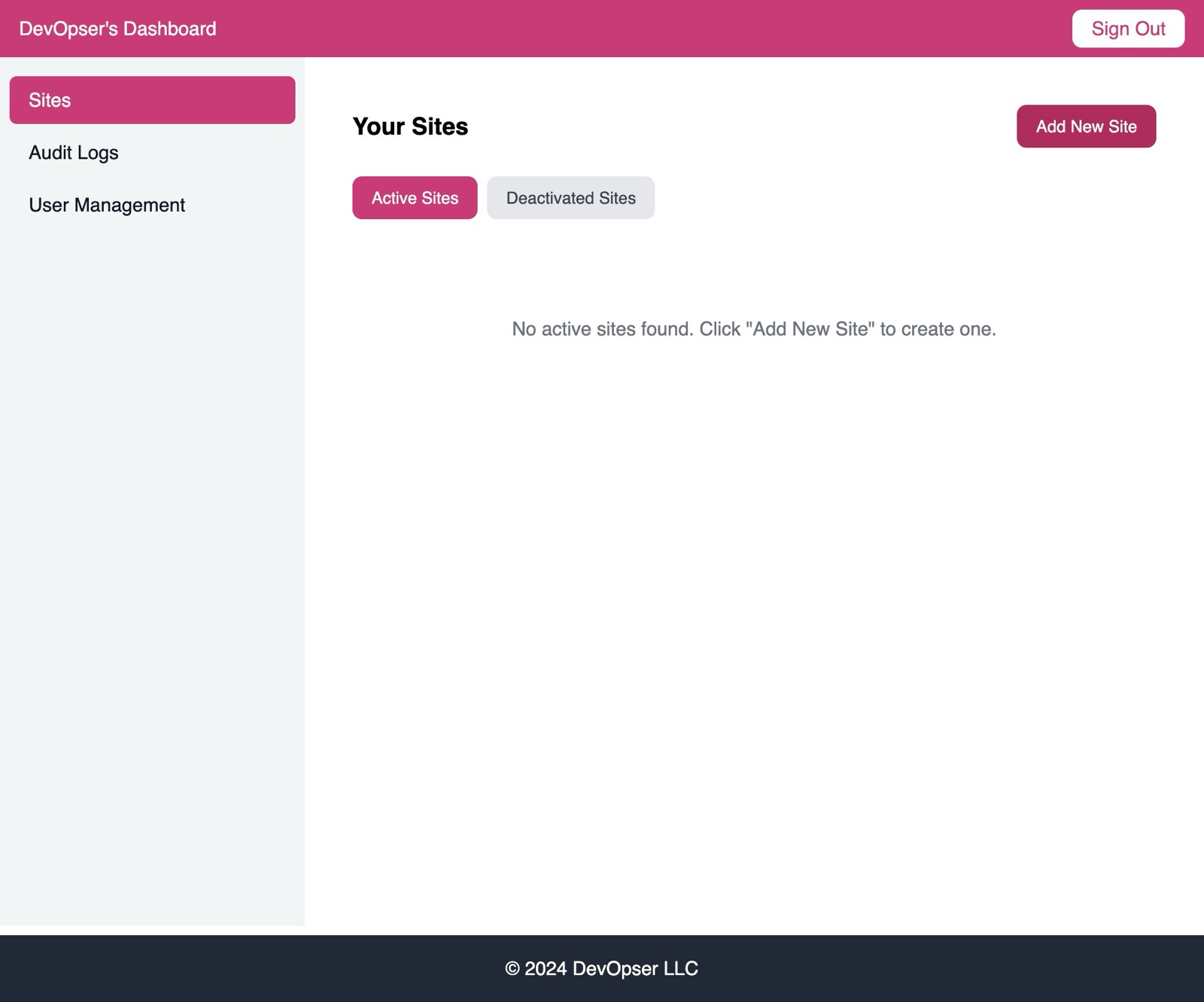
-
2
Click “Add New Site”
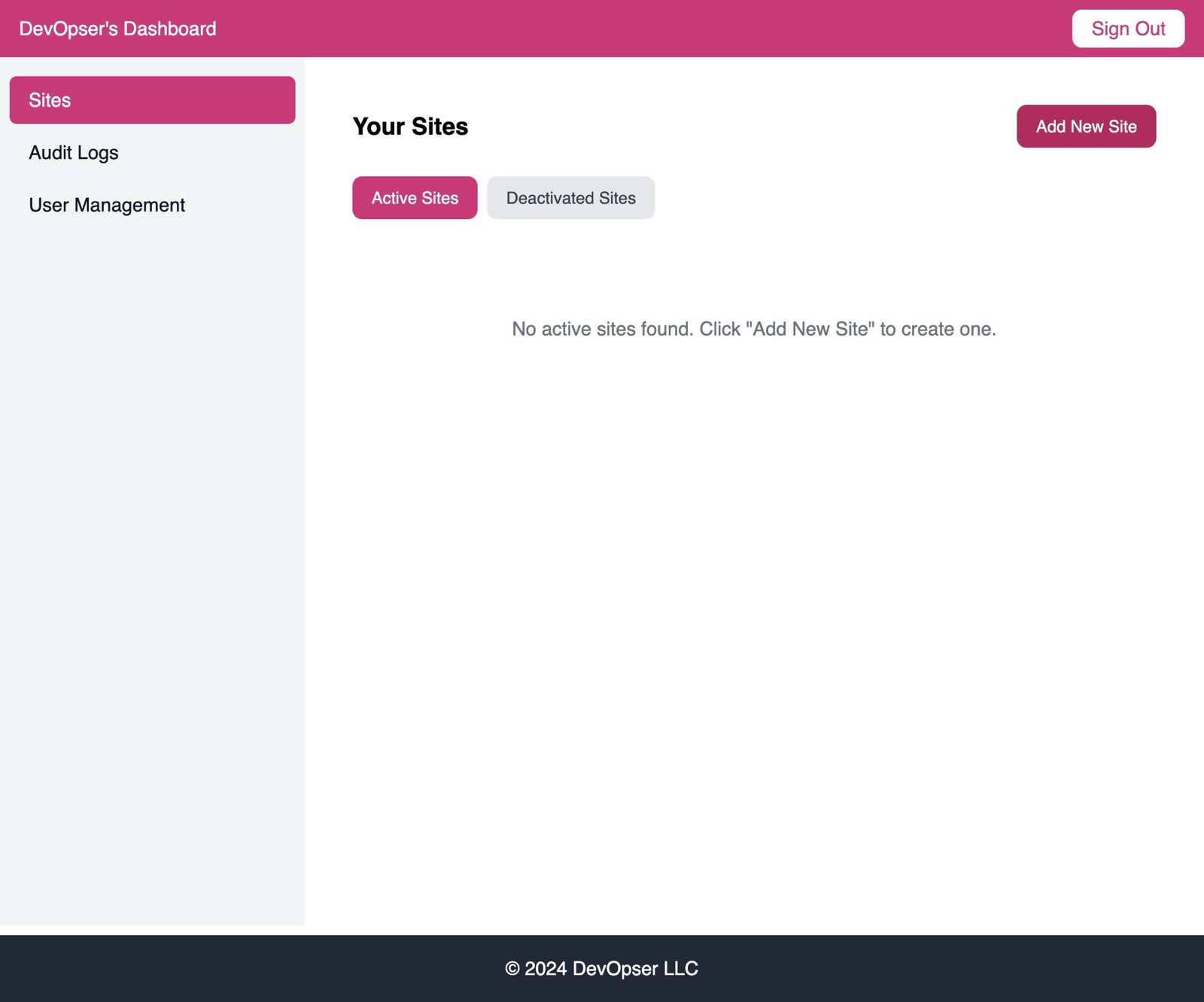
-
3
Click “Select Template”
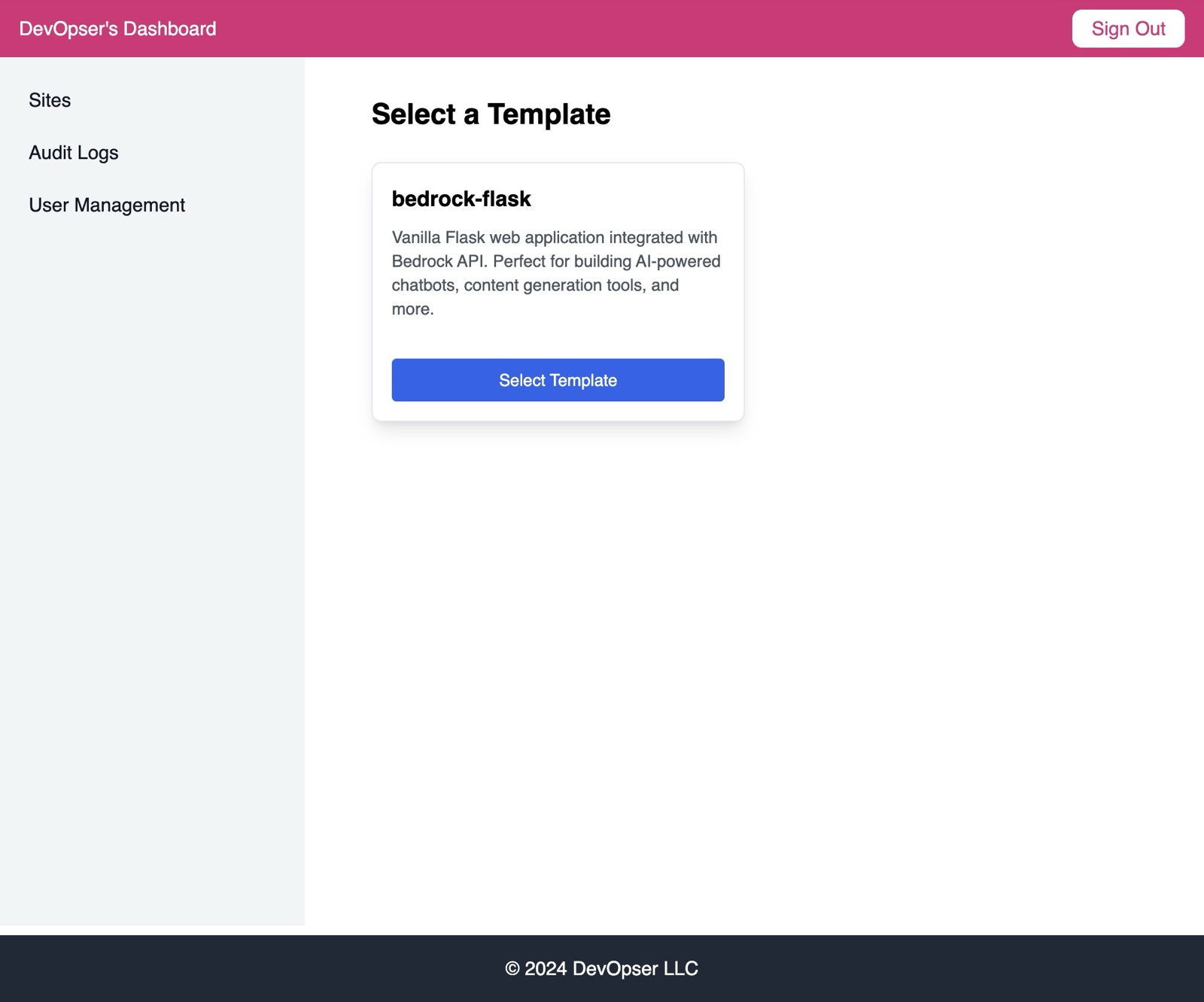
-
4
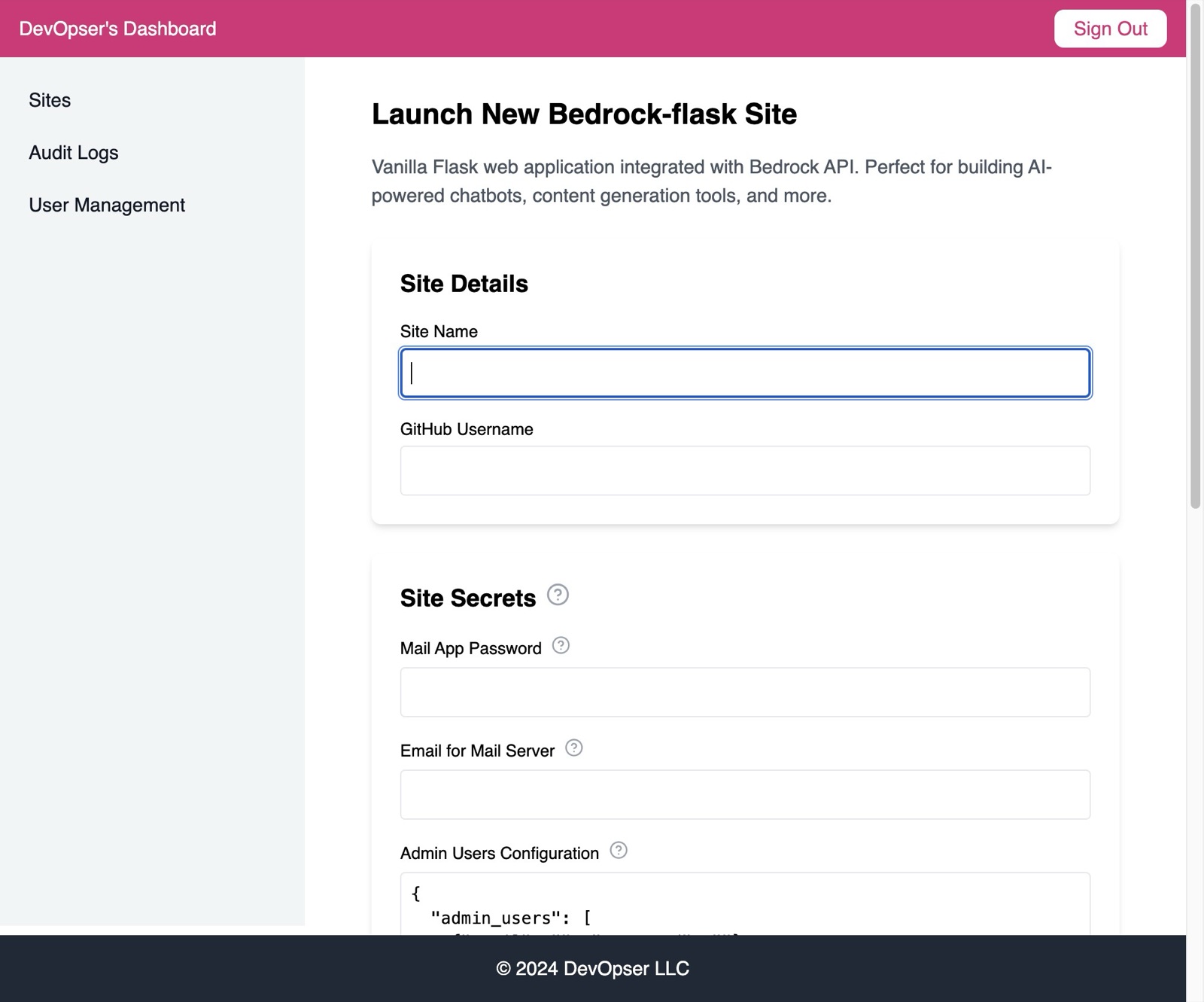
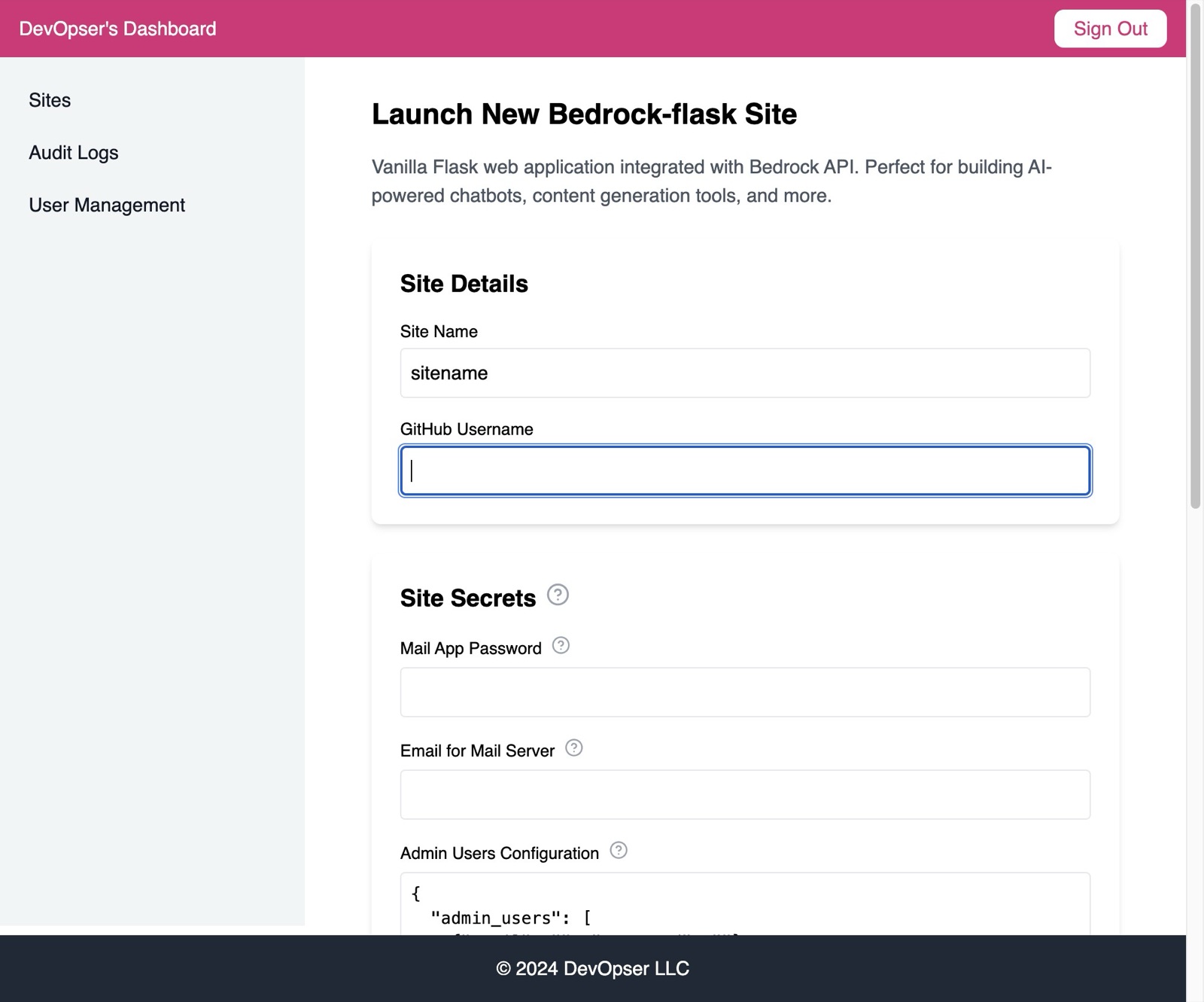
Fill in the site detail - site name should ideally be less than 16 characters and all lowercase, no spaces.
-
5
Add the GitHub Username for the GitHub user that will be added as a collaborator to the Github repo for the site application code, and who will manage site gitops.
-
6
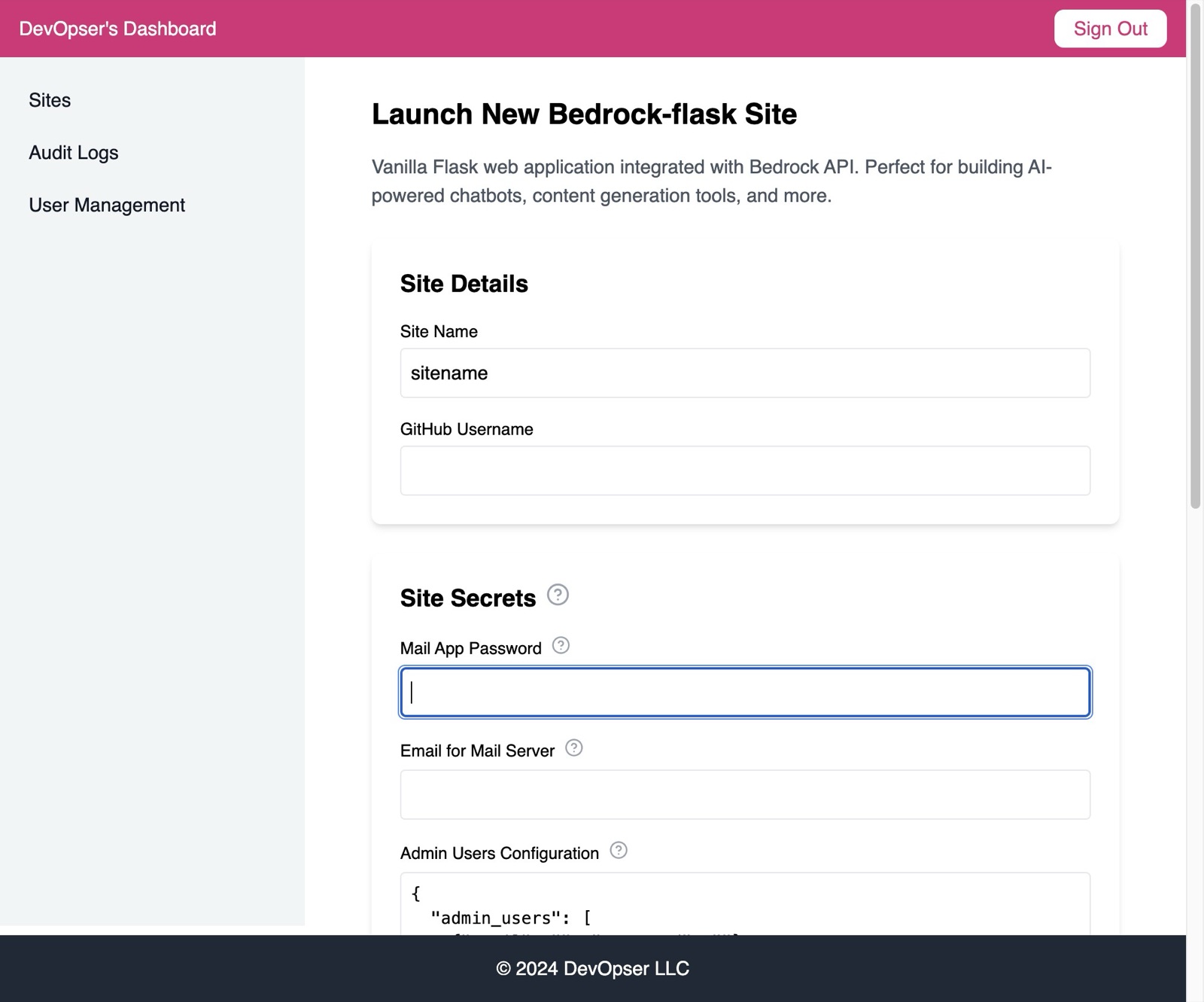
Mail App Password is something you get from your mail provider - see the docs for provider specific instructions.
-
7
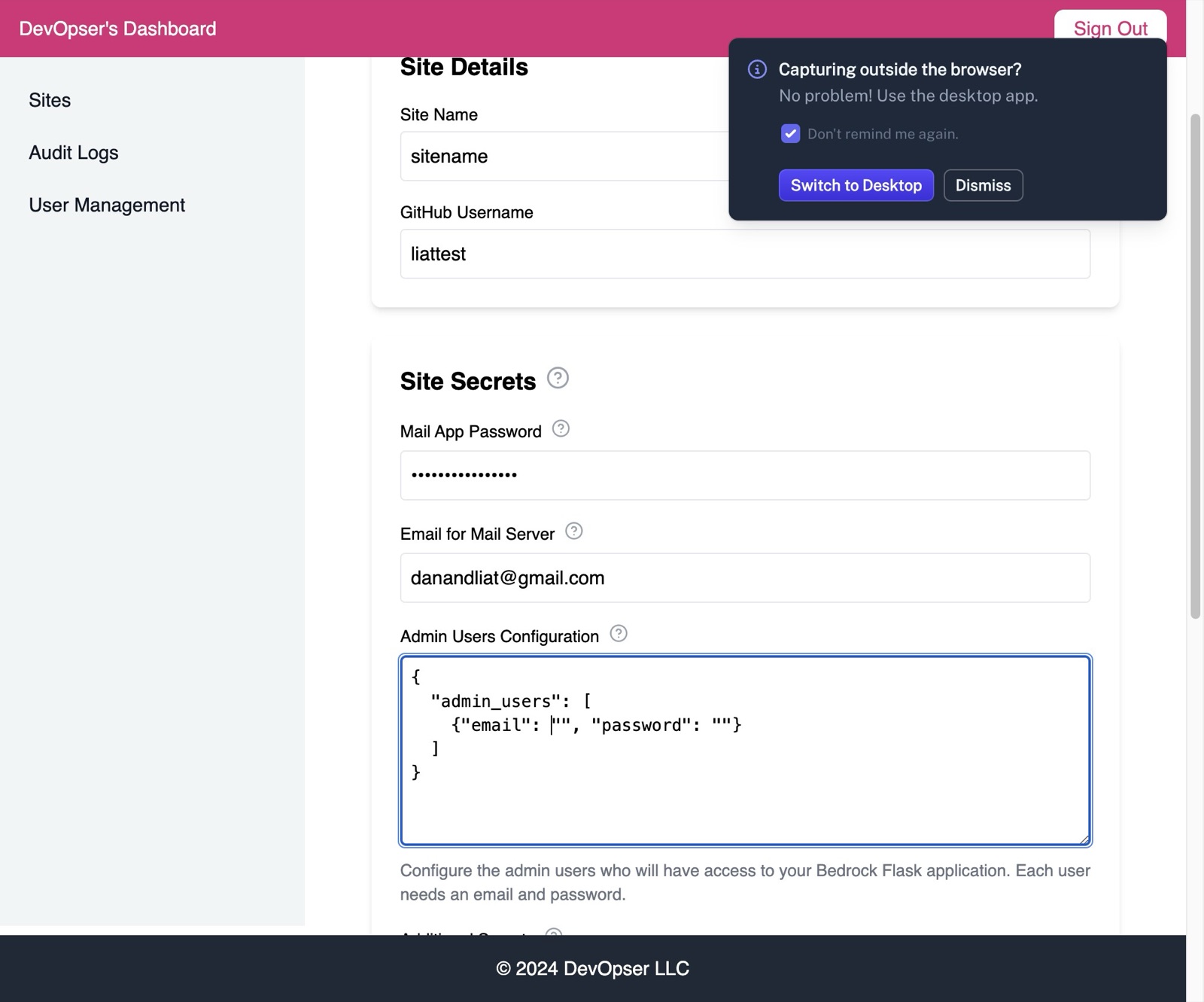
The email must be associated with the App Password - ensure it's the correct email so the site's mail server will work.
-
8
Add in the email address and password of your application's Admin user(s) - this user will have admin access to the Flask Admin panel. (Can be updated after site launch)
-
9
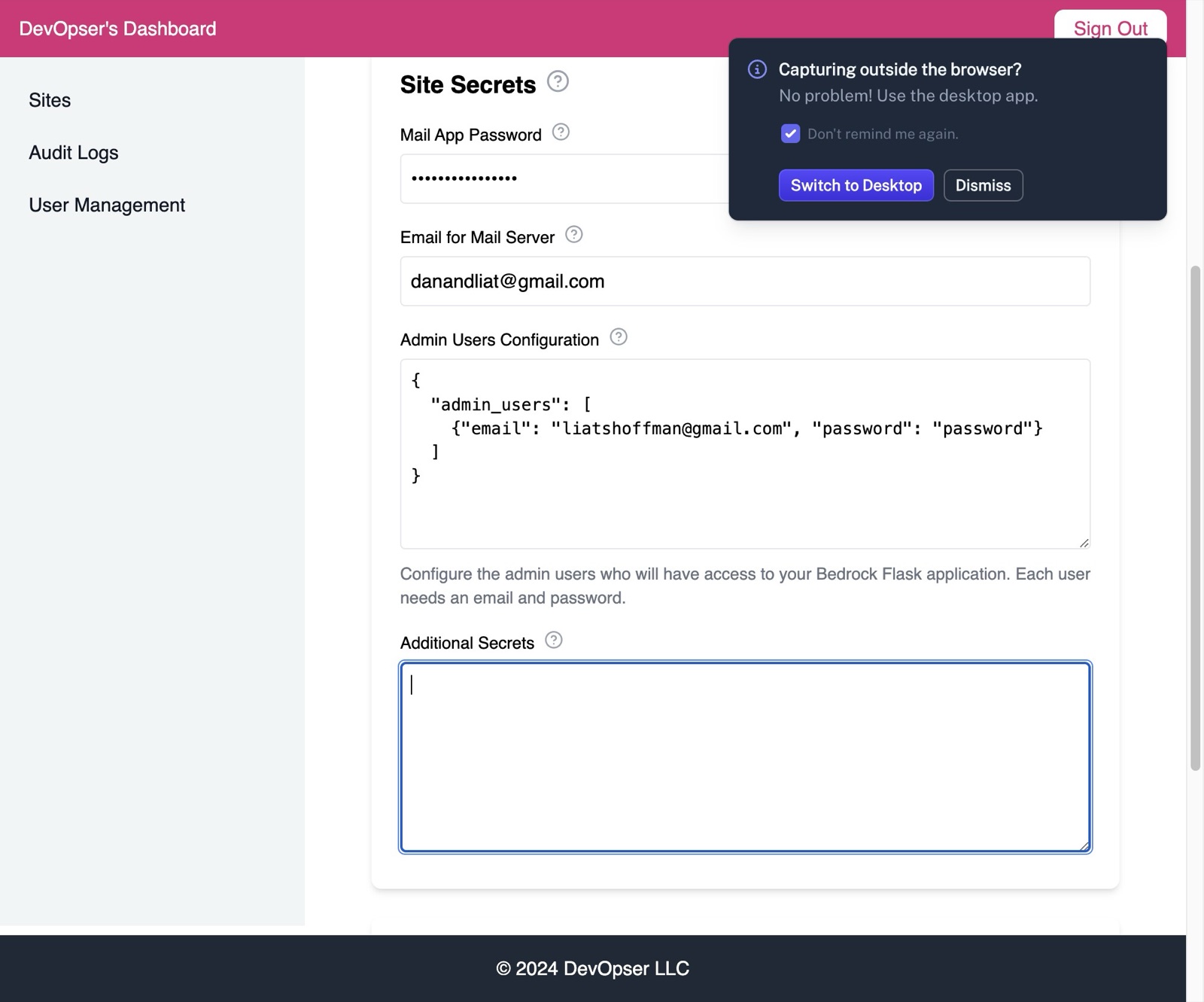
Add any additional secrets - the format is in json:\ [[{]]\ [[“key1”: “value1”,]]\ [[“key2”: “value2”]]\ [[ }]]
-
10
Click “Launch Site”